
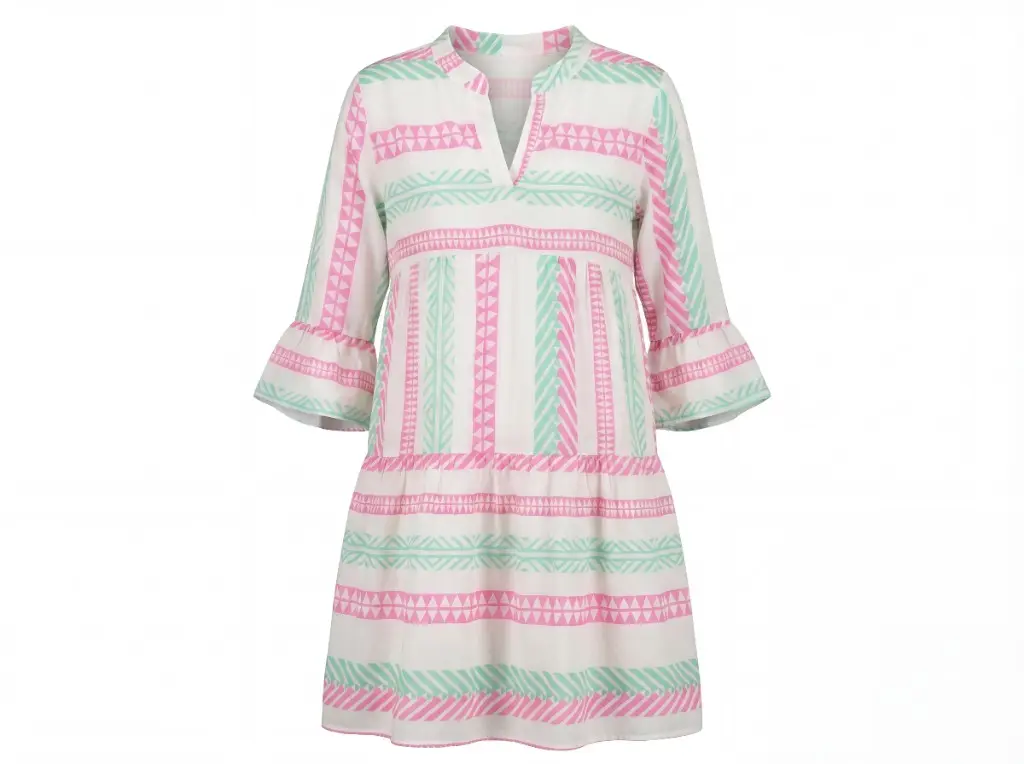
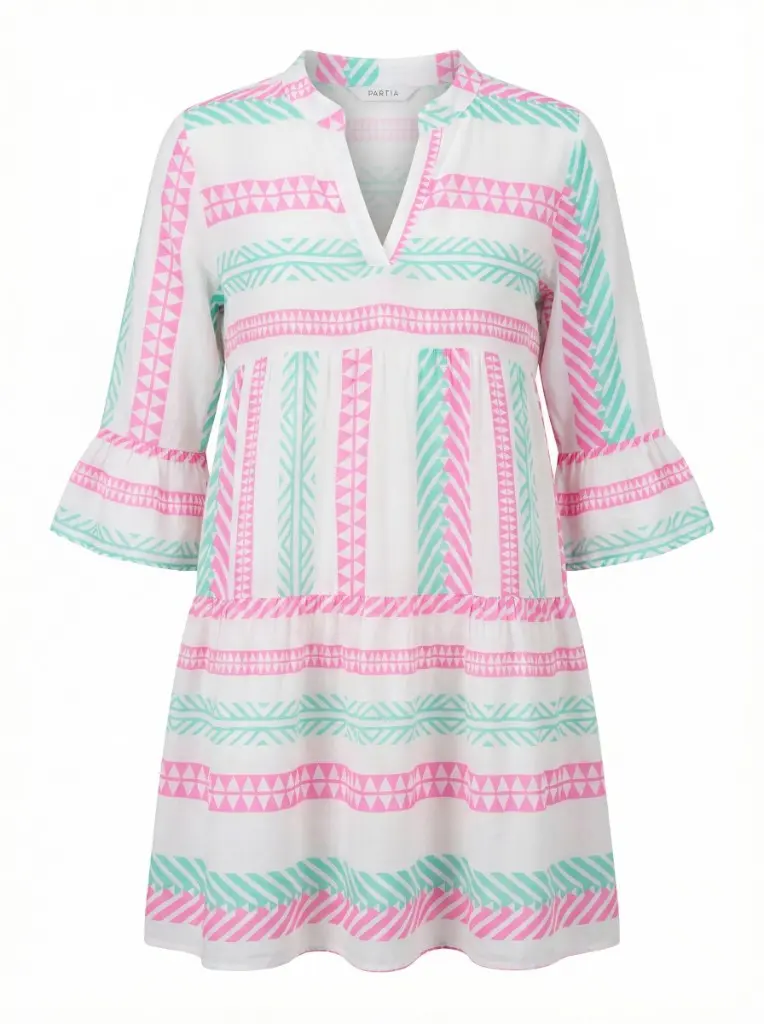
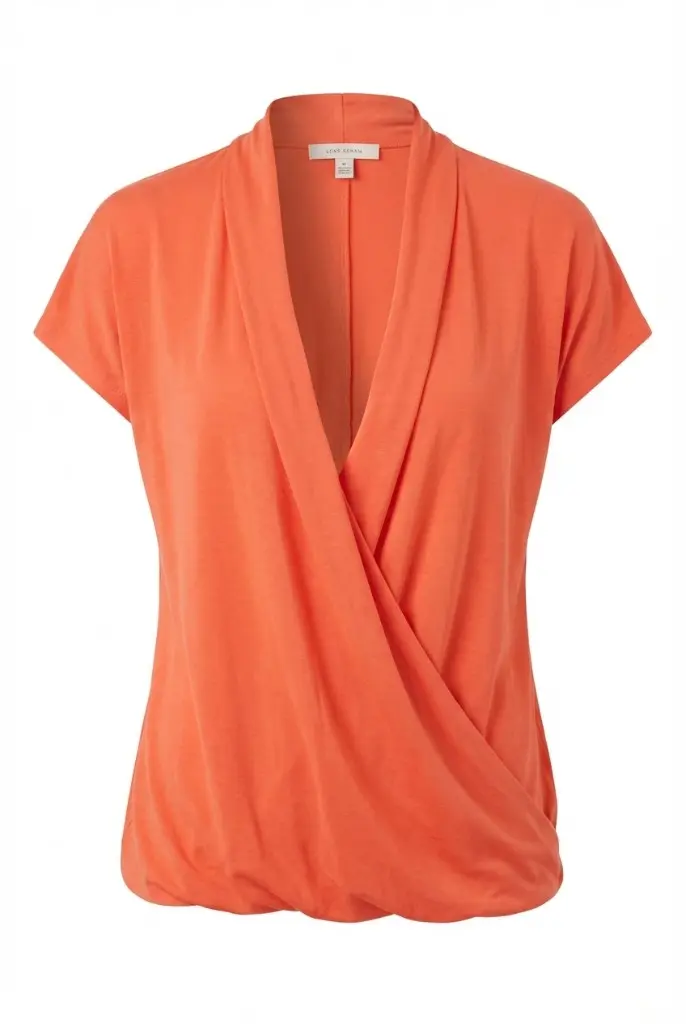
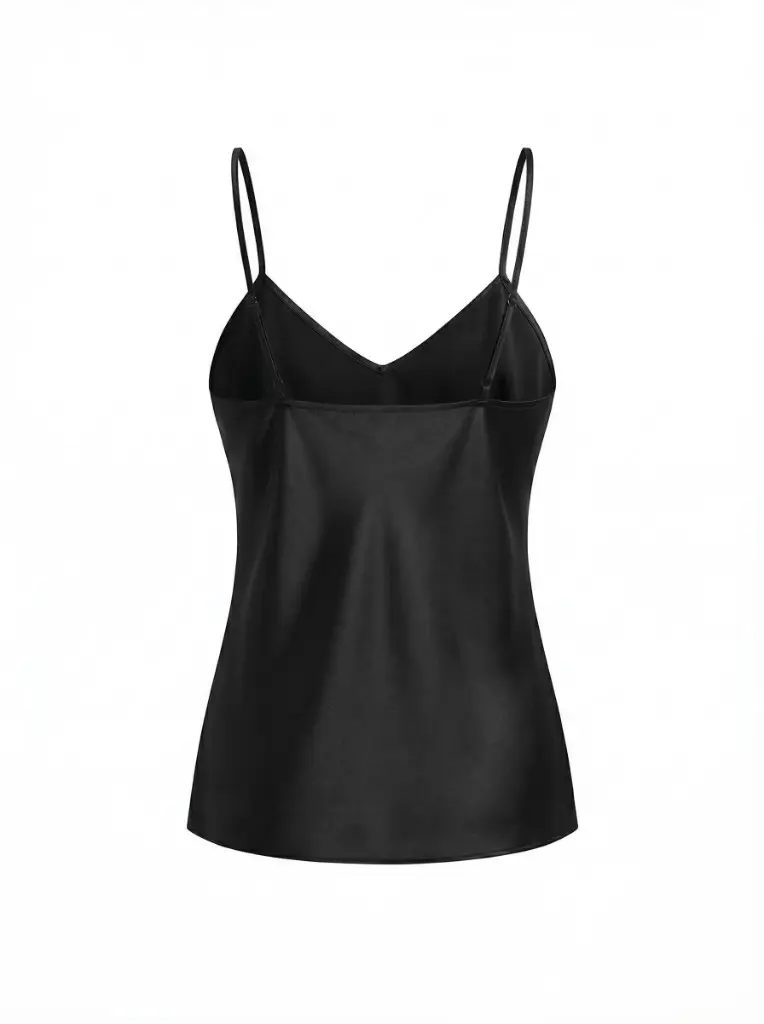
Ghost mannequin — real outputs
AI Ghost Mannequin Generator for Fashion Ecommerce
Online ghost mannequin software for fashion ecommerce catalogs. Upload one garment photo and get a consistent, marketplace-ready invisible mannequin image.
Create clean, hollow product images designed to retain labels, logos and garment details.
No credit card • Designed to retain labels and logos
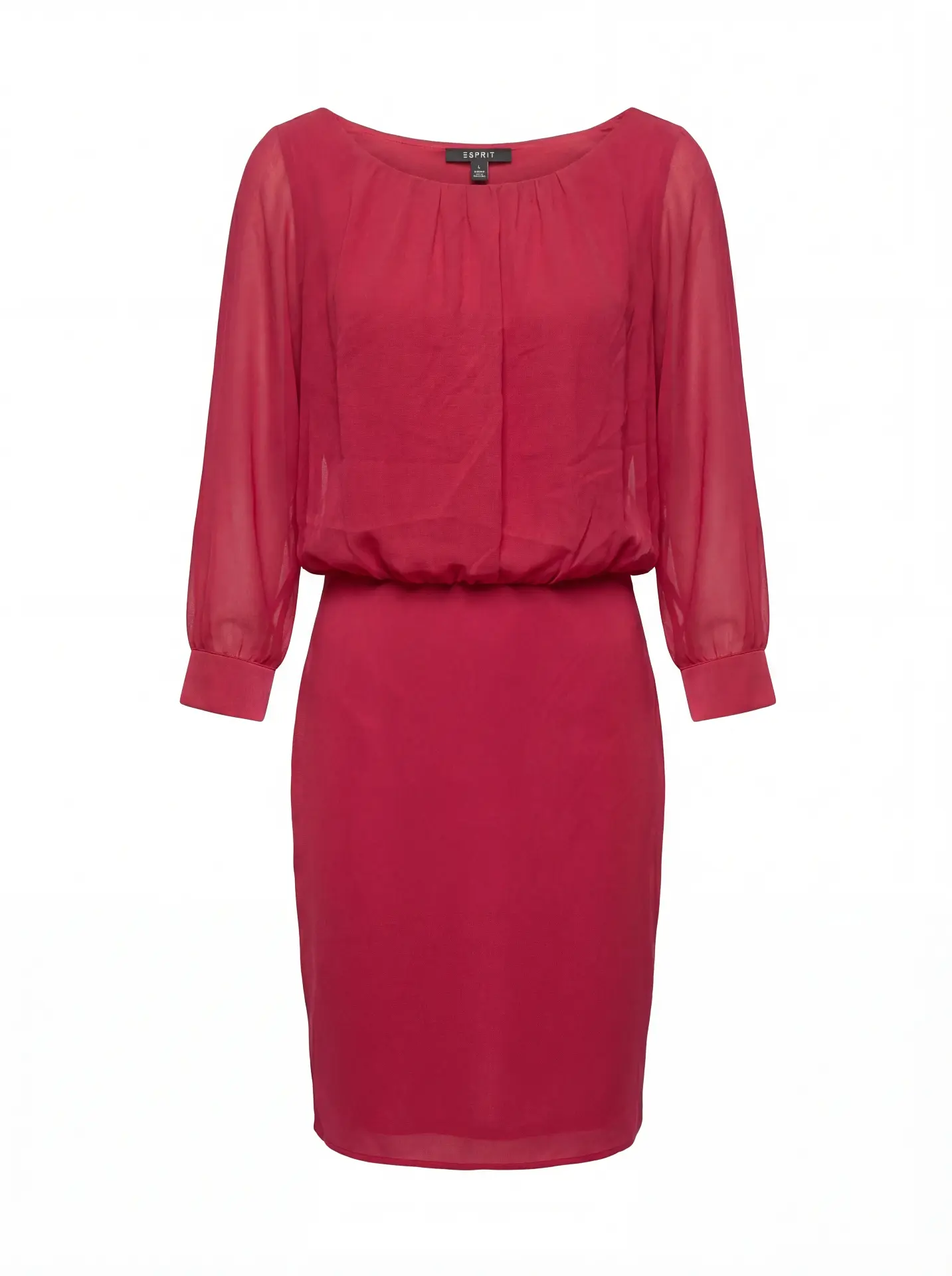
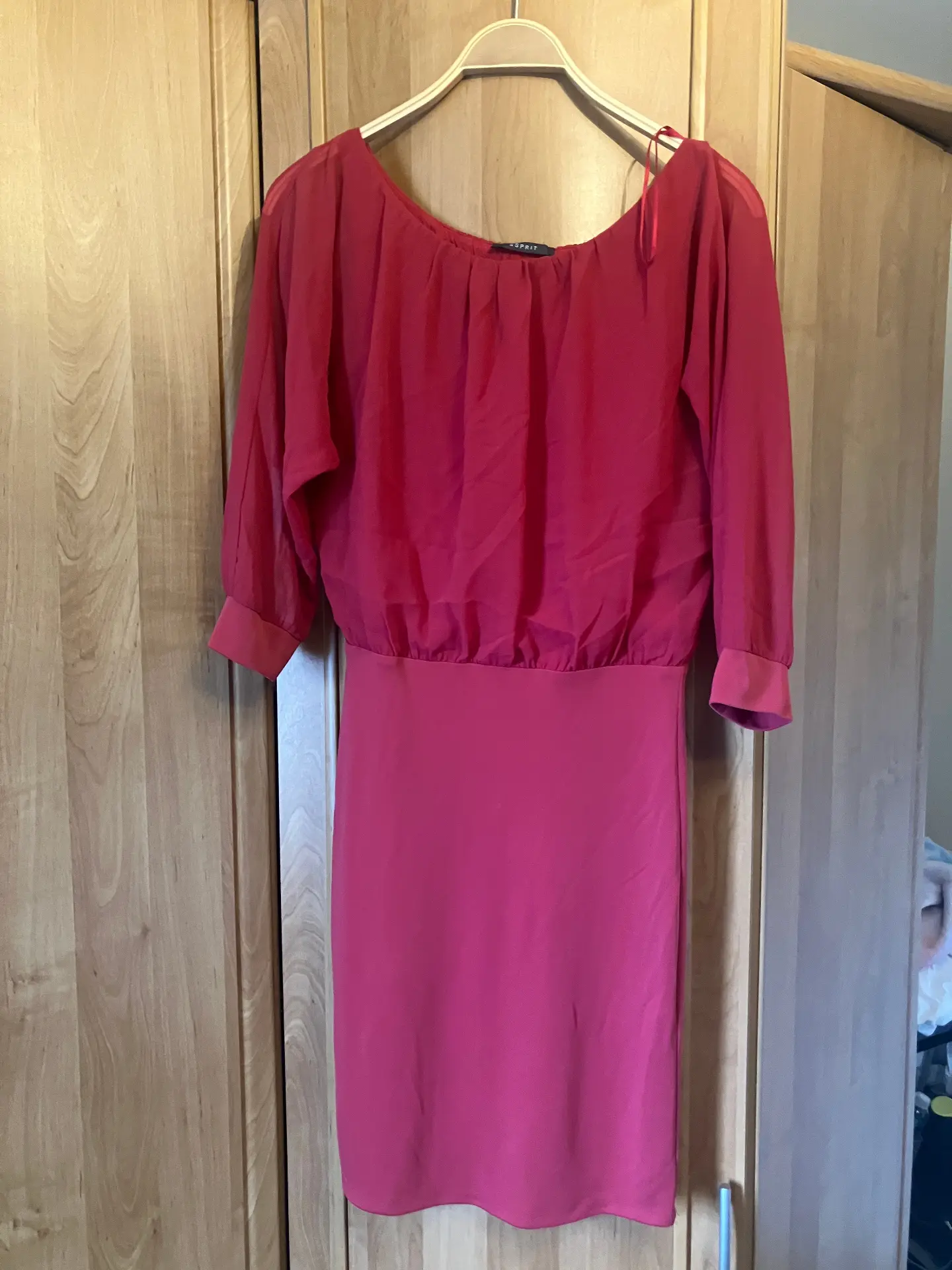
Short answer: Photostudio.io is AI ghost mannequin software that helps fashion brands create consistent invisible mannequin product photos from garment images. It is designed for ecommerce teams that need scalable catalog visuals without repeated studio shoots or manual Photoshop editing.
Why Shopify Brands Switch
Create clean, hollow product images designed to retain labels, logos and garment details.
- ✓Launch new arrivals the same day
- ✓Consistent lighting across your entire catalog
- ✓Designed to retain labels, logos and garment details
- ✓No reshoots, no studio scheduling
- ✓Catalog-ready exports for ecommerce workflows
- ✓Batch-friendly production for growing assortments
Real Examples
See what you'll get from any garment type
Perfect For
Built for fashion ecommerce teams producing catalog imagery at scale.
E-commerce product pages (PDPs)
High-conversion, consistent product imagery for Shopify, WooCommerce, and custom stores.
Marketplace listings
Meet strict image requirements for Amazon, Zalando, ASOS, and more.
Wholesale catalogs
Uniform visuals across collections, seasons, and SKUs.
Inventory & catalog photography
Process new arrivals fast — without studio bottlenecks.
From Garment Photo to Catalog-Ready Ghost Mannequin
⏱️ Typically a few minutes per image, depending on queue and settings
Upload
Any garment photo — mannequin shot or flat lay, any angle.
Generate
Our AI removes the mannequin while preserving the garment's structure, depth, and details.
Download
A clean ghost mannequin image with white background, ready to publish.
Also explore
AI ghost mannequin generator for ecommerce catalogs
Ghost mannequin is the standard primary image for apparel product pages. Photostudio.io generates consistent invisible mannequin shots from garment photos — preserving labels, logos, structure and interior details across your entire catalog.
Free tool vs catalog-scale production
Start with the free AI ghost mannequin generator to test quality on a few SKUs. When you are ready to scale, paid plans support higher volume, batch processing and additional formats from the same upload.
3D ghost mannequin / invisible mannequin effect
The invisible mannequin effect removes the visible form while keeping 3D drape, hollow interior and garment shape. It is not the same as background removal — structure and depth are preserved for professional fashion imagery.
Ghost mannequin for Shopify and WooCommerce
Shopify and WooCommerce apparel stores typically use ghost mannequin as the main PDP image. Outputs meet marketplace requirements: clean white background, garment-only framing and high resolution.
Bulk catalog use cases
Fashion brands use Photostudio.io to process new arrivals without per-image studio retouching. Upload batches, generate ghost mannequin images in parallel, and maintain consistent lighting across seasons and collections.
What this format communicates
Structure, silhouette and construction — how the garment holds shape without a visible mannequin.
PDP role: Usually the primary product image — structure first, then fit and context in secondary slots.
Best for
- ·Primary PDP images on fashion ecommerce sites
- ·Catalog grids that need consistent lighting and framing
- ·Structured garments: jackets, shirts, dresses, knitwear
When it is not ideal
- ·Showing how a garment fits a body or moves in wear
- ·Lifestyle storytelling or scene-based campaigns
- ·Accessories that read better as flat lay or detail shots
Input requirements
- ·Clear front (and optionally back) garment photo
- ·Visible silhouette without heavy occlusion
- ·Readable labels and logos when they must appear in output
Limitations & QC
- ·Does not communicate human scale or wear fit
- ·Complex layered or translucent garments need careful QC
- ·Output quality tracks input clarity and framing
- ✓Silhouette and shoulder line look natural
- ✓Labels and logos remain legible where expected
- ✓Background clean; no mannequin remnants
- ✓Lighting consistent with the rest of the catalog
Same garment, three commercial roles
One denim source — ghost for structure, flat lay for shape and material, on-model for fit. Compare image formats.
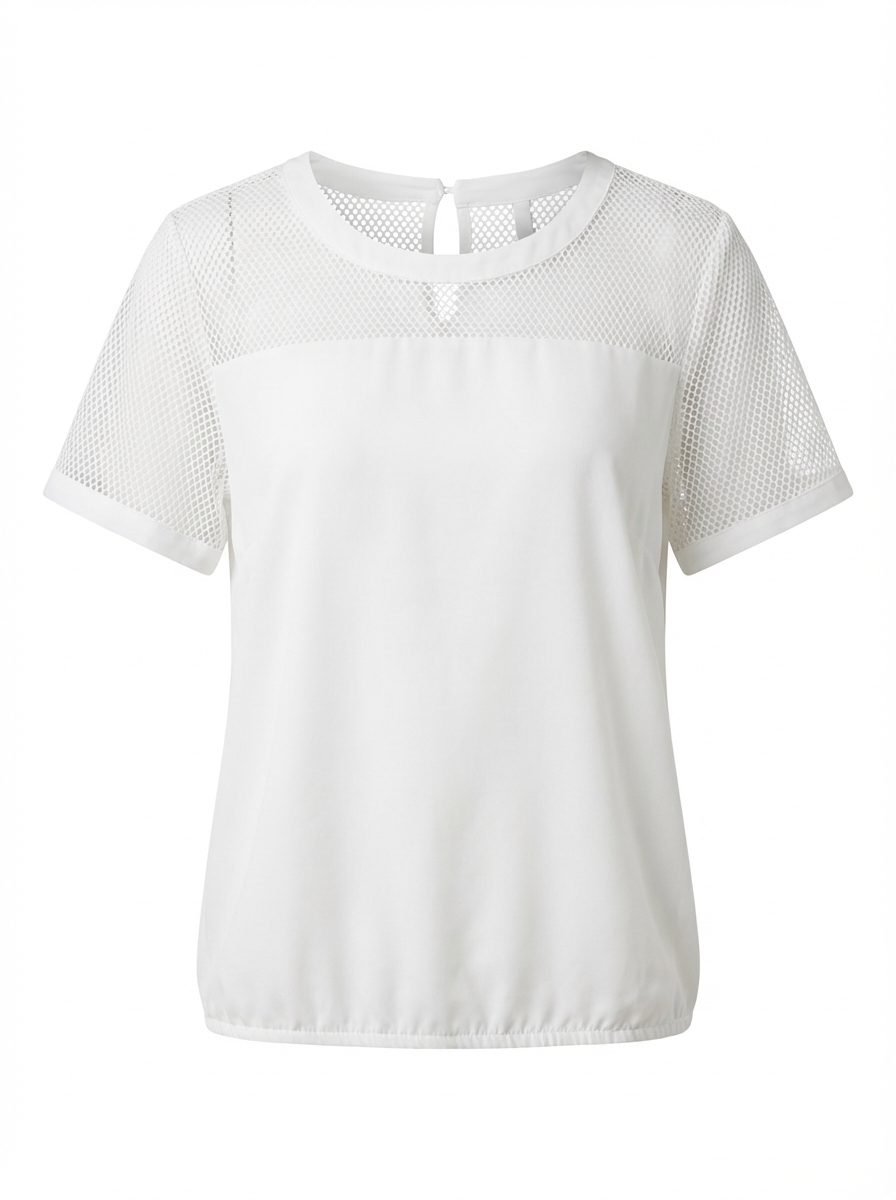
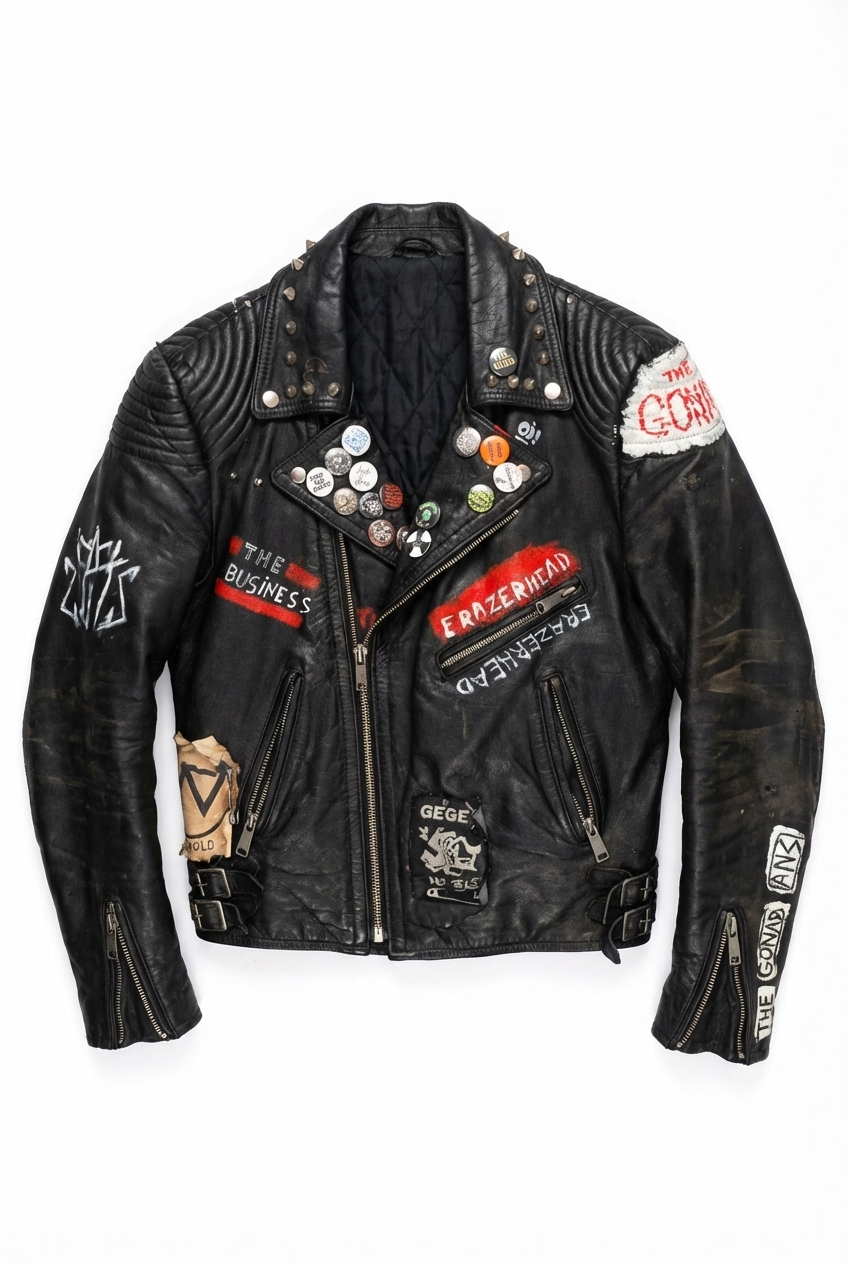
Frequently Asked Questions
Everything you need to know
AI Ghost Mannequin Generator for Fashion Ecommerce
No credit card required • 3 free images
Used by fashion ecommerce teams producing catalog imagery at scale