
Flat Lay Product Photography Without a Studio
Create consistent flat lay product photography for fashion ecommerce catalogs and campaigns — without repeated studio setup.
Upload one garment image and generate clean, professionally styled flat lay photos for ecommerce catalogs, product pages and campaigns. Consistent composition, clean lighting and catalog-ready output.
No credit card required • 3 free images
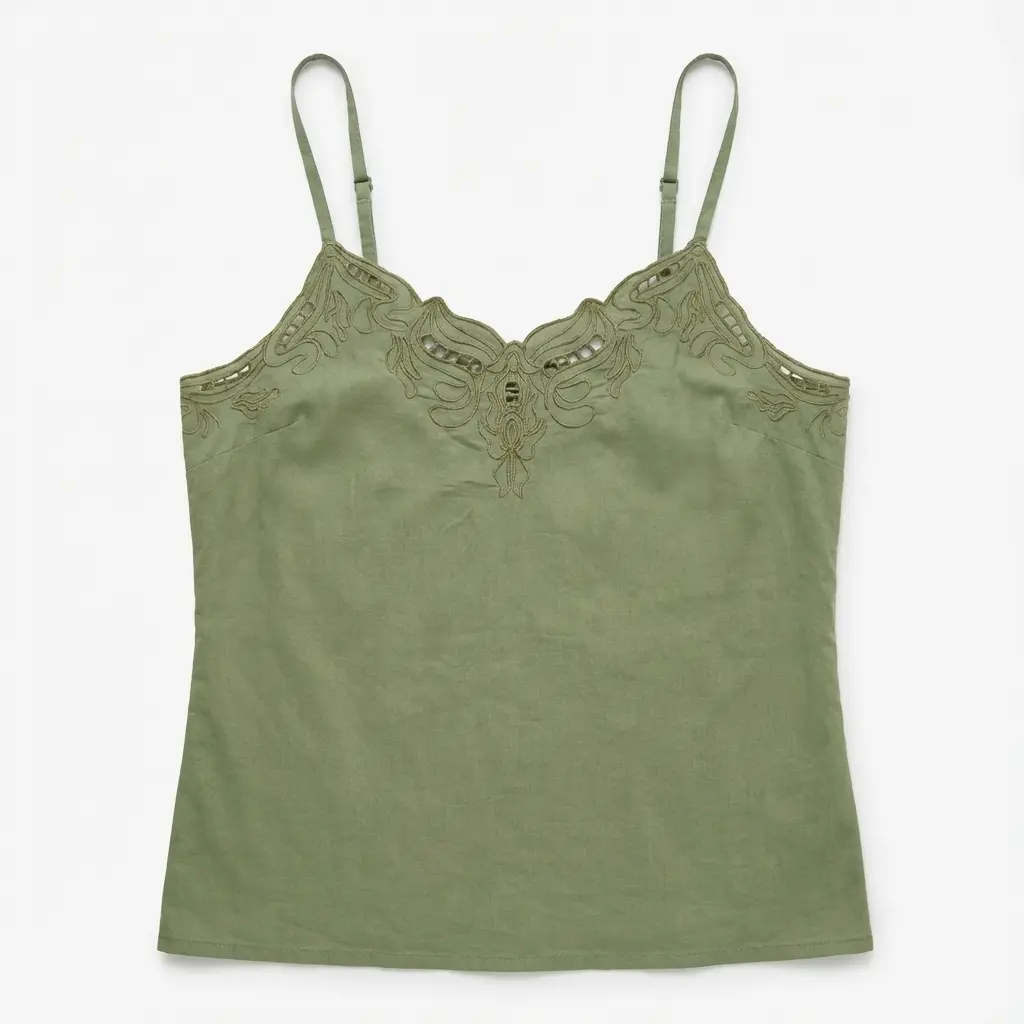
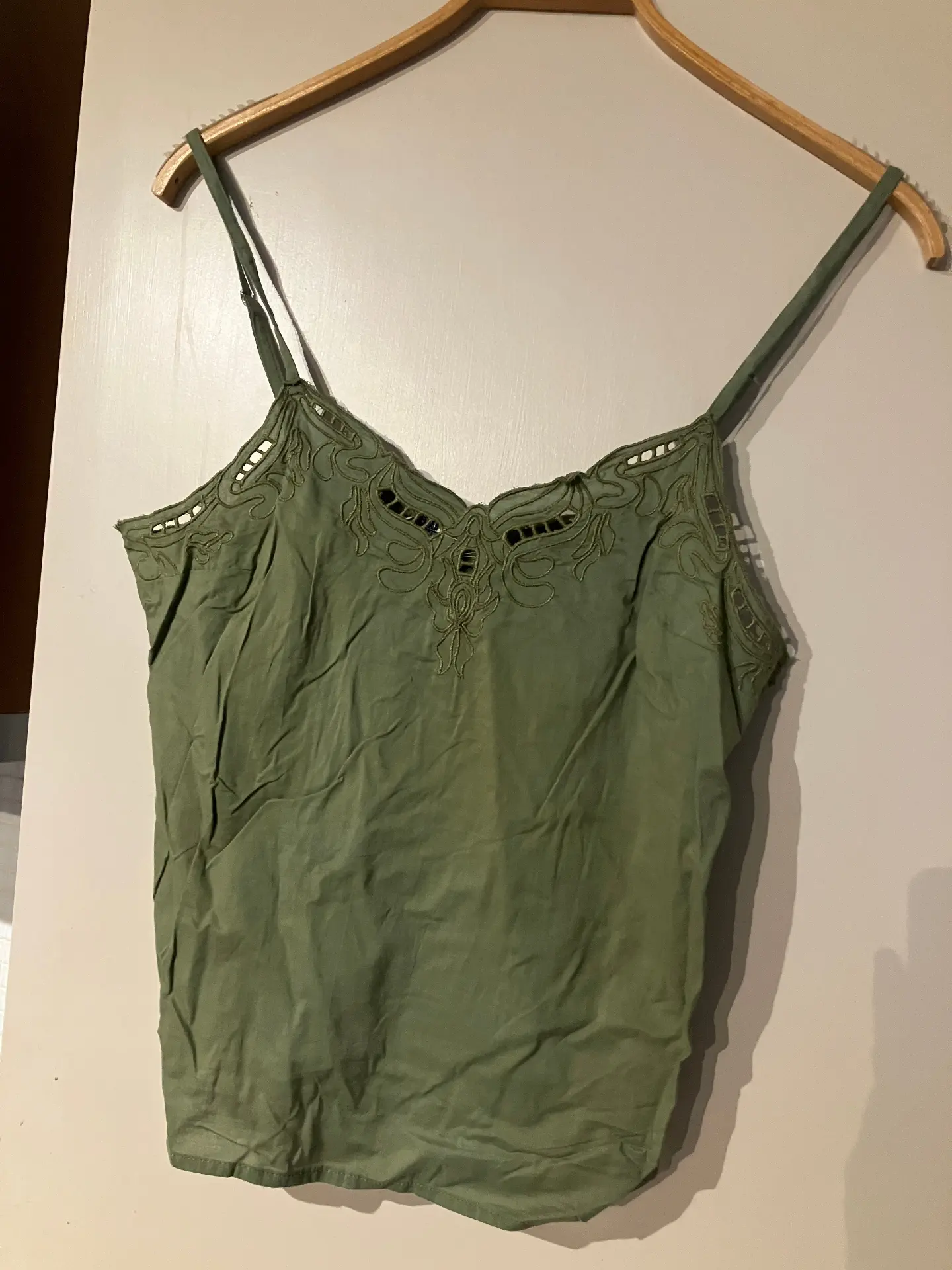
Short answer: Photostudio creates consistent flat lay product photography for fashion ecommerce from one garment image. It is built for teams that need catalog-ready overhead visuals for product pages, campaigns and batch workflows — without repeated studio setup.
What It Does
Upload a garment photo and turn it into professionally styled flat lay product photography for ecommerce. Photostudio creates consistent overhead composition, clean lighting and polished product presentation for catalogs, campaigns and product pages without manual styling or reshoots.
- ✓Consistent flat lay production across your catalog
- ✓Ecommerce-ready overhead shots for PDPs and campaigns
- ✓Batch-friendly workflow without repeated studio setup
- ✓No props, styling time or reshoots for each SKU
Real Examples
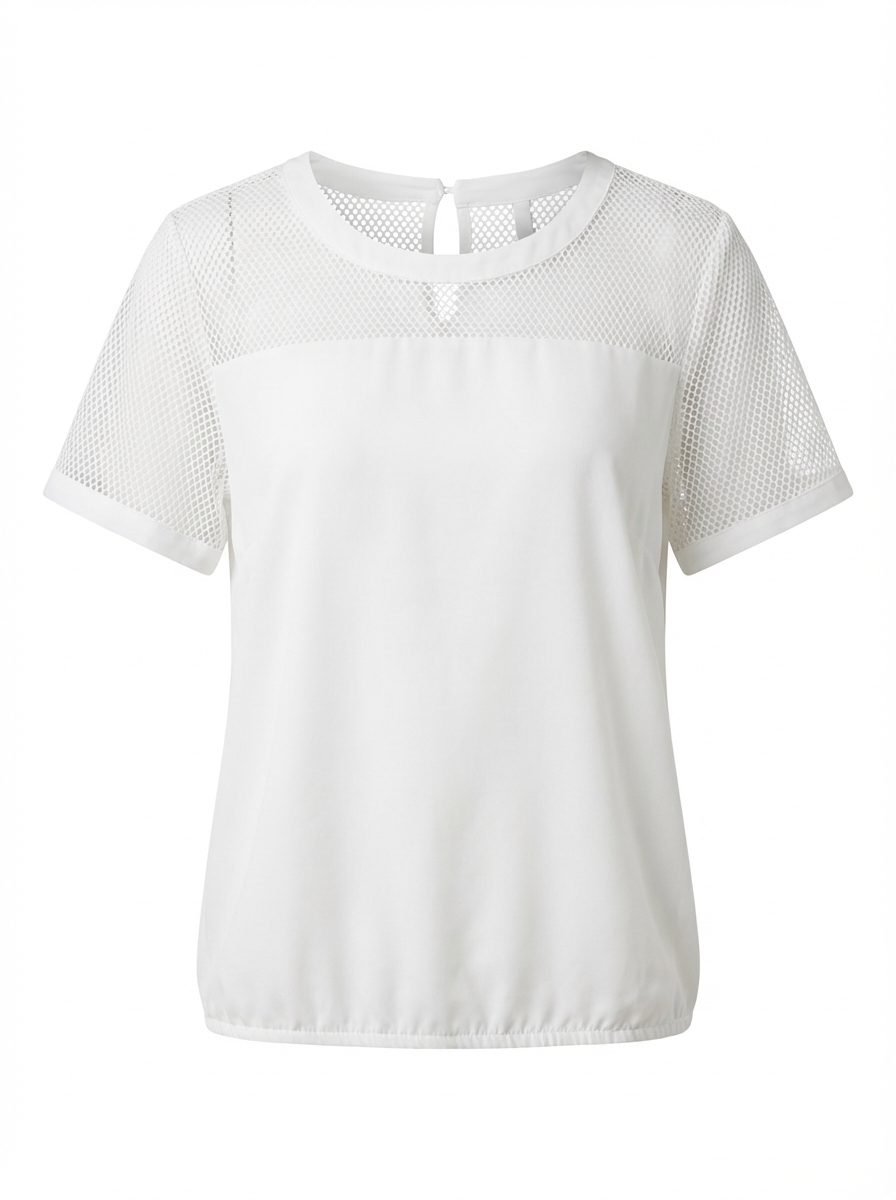
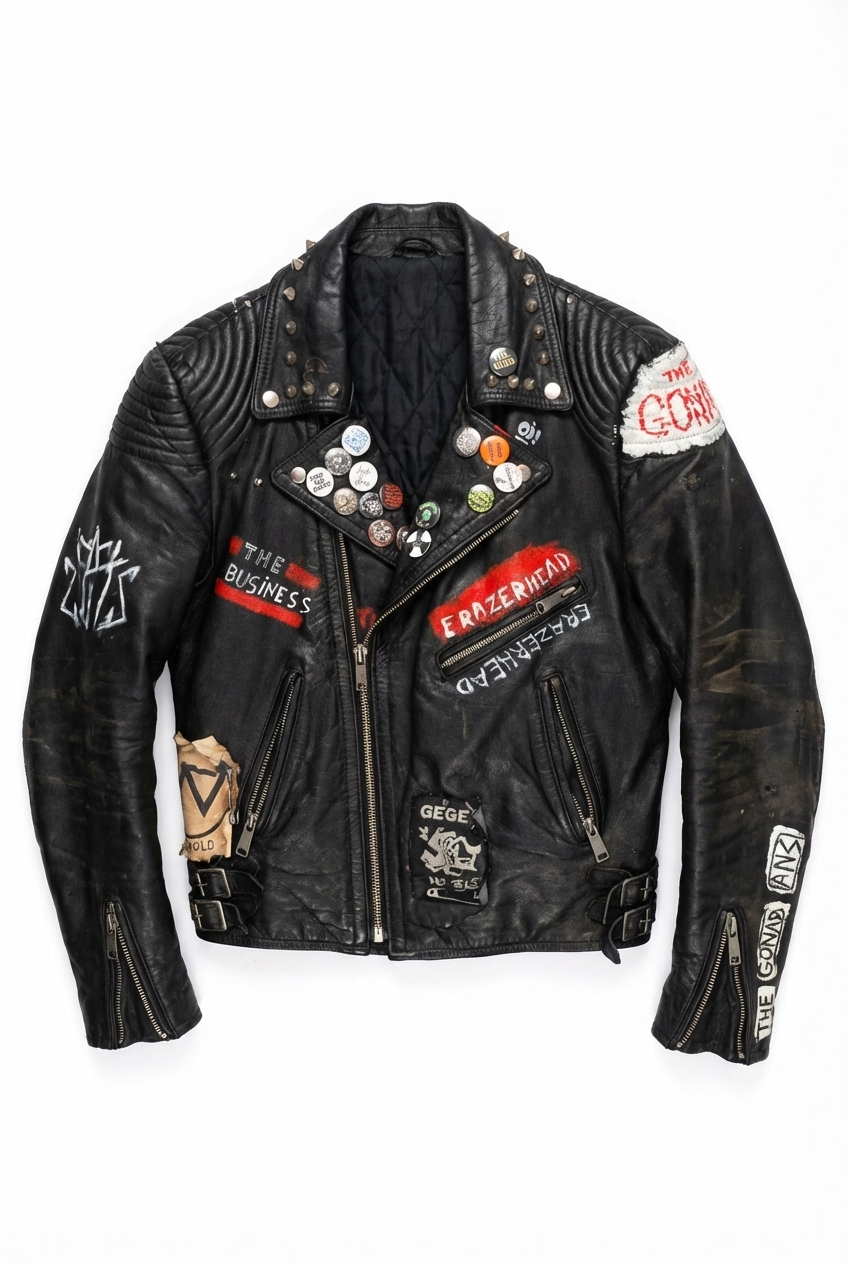
See flat lay results for tops, shirts, knitwear, jackets and pants
Perfect For
Use flat lay product photography across ecommerce catalogs, campaigns and marketing channels
Instagram feeds & grids
Cohesive, aesthetic content for your social presence
Lookbooks & catalogs
Professional overhead shots for print and digital
Email marketing
Eye-catching product imagery for newsletters
Pinterest pins
Styled flat lay images that drive saves and clicks
How It Works
Generate flat lay product photography from one garment image
⏱️ ~3 minutes per image
Upload
Upload any clear garment photo — mannequin, hanger, product shot or rough flat lay.
Generate
AI creates a clean overhead flat lay with balanced composition and lighting.
Download
Export a polished flat lay image ready for product pages, social posts and catalogs.
Also explore
What is an AI flat lay generator?
An AI flat lay generator creates overhead product photos from a garment image — without manual styling, props or studio setup. It positions the garment, balances lighting and produces a clean flat lay composition suitable for ecommerce and social channels.
How to create flat lay product photos without a studio
Upload any clear garment photo — mannequin shot, hanger image or rough flat lay. The AI generates a polished overhead composition in minutes. No styling table, backdrop rolls or retouching required.
Flat lay product photography for ecommerce
Flat lay photography is widely used by fashion brands because it shows garments clearly from above, creates consistent product grids and works well for social content. Photostudio turns one garment image into a clean AI-generated flat lay product photo, helping ecommerce teams create more visuals without extra studio production.
Use flat lay images for Shopify collections, WooCommerce catalogs, lookbooks, Instagram feeds, Pinterest pins, newsletters and seasonal campaign content.
Flat lay vs ghost mannequin
Flat lay is photographed from directly above — ideal for social grids, lookbooks and catalog variety. Ghost mannequin shows garment structure and fit with a 3D hollow effect — better for primary product detail pages. Many brands use both formats in a complete image set.
What this format communicates
Shape, color and material from above — full surface detail without a body or mannequin.
PDP role: Often a secondary or social/catalog image — material and pattern clarity beside a structured primary.
Best for
- ·Catalog variety and secondary PDP angles
- ·Campaign and lookbook grids with consistent overhead styling
- ·Tops, knitwear, folded pieces and accessories
When it is not ideal
- ·Primary images where 3D structure and fit drive purchase
- ·Showing drape on a body or interior neck construction
- ·Marketplace mains that require hollow/ghost presentation
Input requirements
- ·Single clear garment photo (any reasonable angle)
- ·Color and pattern visible without extreme crop
- ·Minimal clutter so the garment is the subject
Limitations & QC
- ·Limited sense of fit and volume
- ·Single-garment focus (not full outfit flats by default)
- ·Overhead view can flatten complex construction
- ✓Even lighting and clean surface treatment
- ✓Color fidelity vs the source garment
- ✓Consistent framing and margins vs catalog peers
- ✓Wrinkles and edges look intentional, not messy
Same garment, three commercial roles
One denim source — ghost for structure, flat lay for shape and material, on-model for fit. Compare image formats.
Frequently Asked Questions
Everything you need to know
Create Flat Lay Product Photos with AI
Upload one garment image and generate clean, styled flat lay visuals for ecommerce, catalogs and social media.
No credit card required • 3 free images
Used by fashion ecommerce teams producing catalog imagery at scale