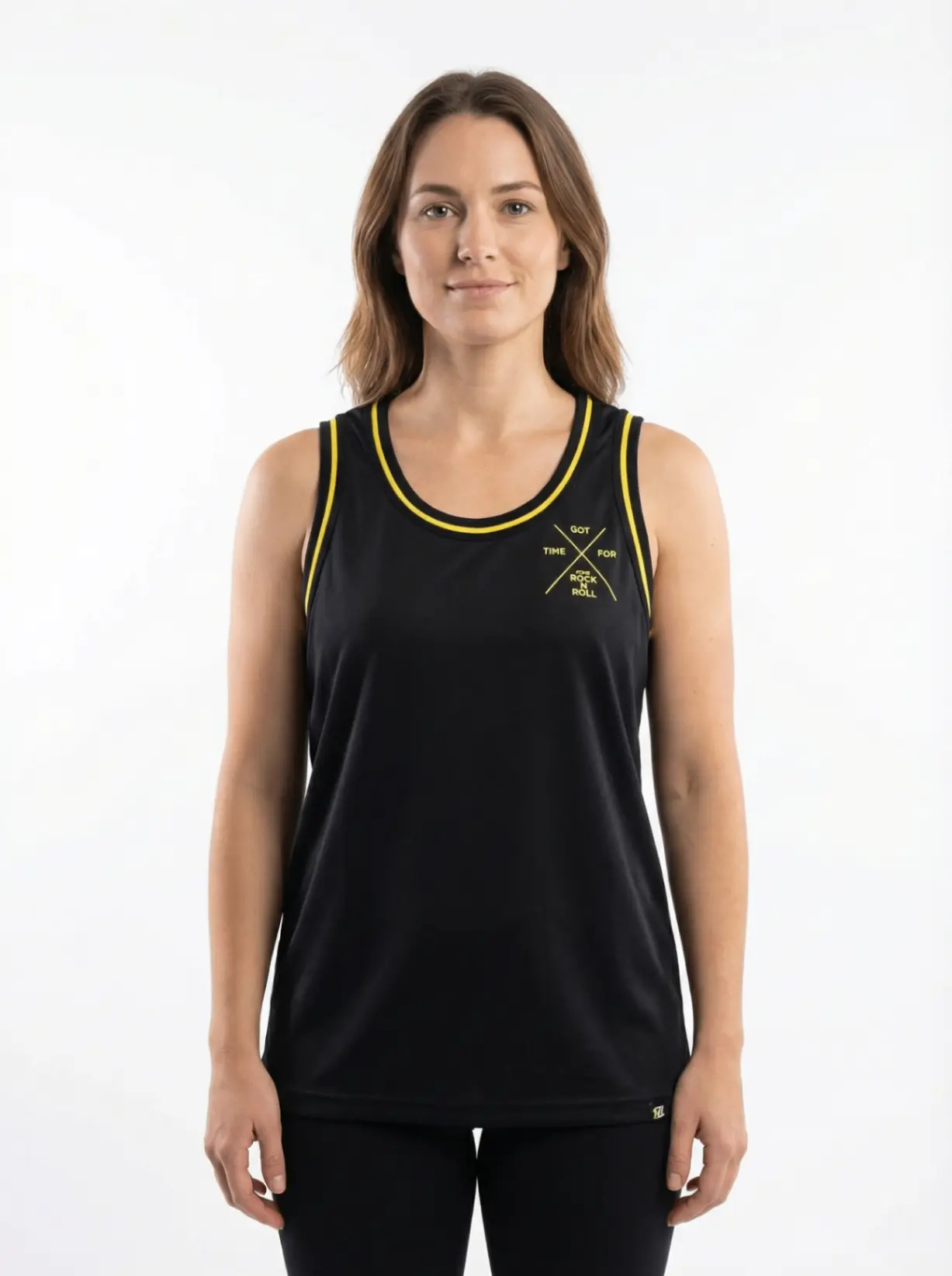
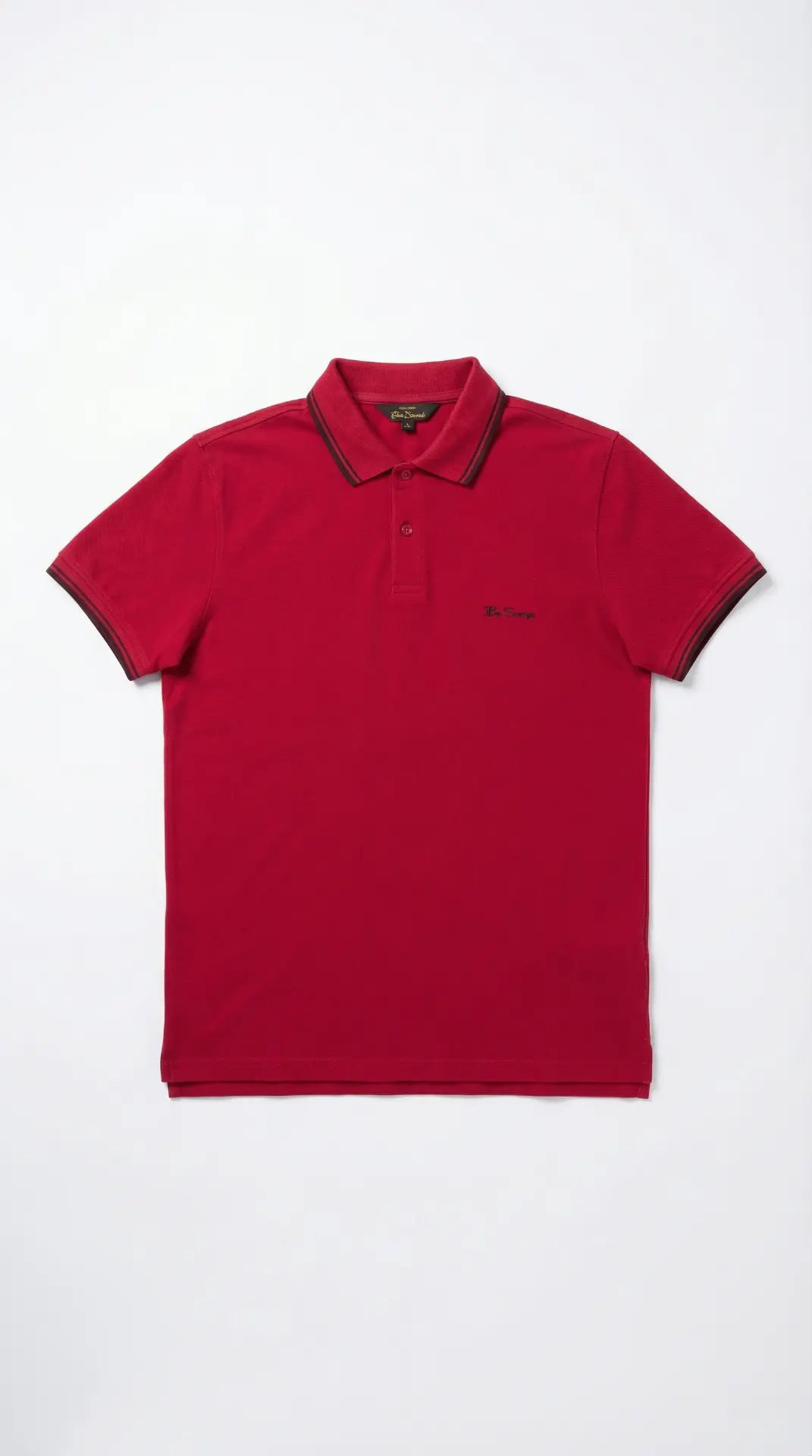
Flat Lay Photography: The Complete Guide for Ecommerce Sellers (2026)
Flat lay photography, clothing flat lay, and flat lay product photography tips for apparel brands — plus how AI flat lay photography is changing catalog workflows.


Scroll through any successful fashion brand's product pages and you'll notice a pattern: clean, top-down shots of garments arranged perfectly on a neutral surface. That's flat lay photography — and it's become the backbone of ecommerce product imagery for good reason.
It's scalable, consistent, and doesn't require a model or a studio. A growing number of brands are pairing it with AI tools to go even further — generating polished flat lay images in minutes without props, lighting rigs, or post-production queues.
This guide covers everything from the basics of flat lay setup to how AI is changing what's possible — including flat lay clothing photography, flat lay product photography, and practical flat lay photography tips for apparel photography at scale.
What Is Flat Lay Photography?
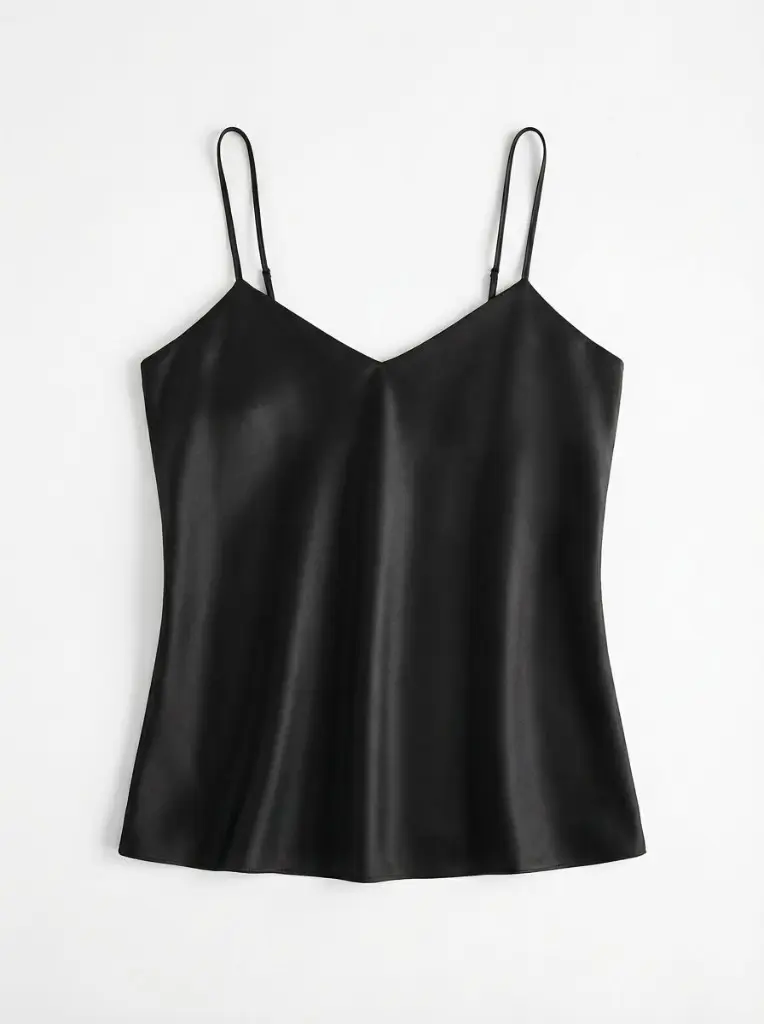
Flat lay photography is a technique where items are arranged on a flat surface and photographed from directly above — typically with the camera perpendicular to the subject. The result is a clean, two-dimensional view that works particularly well for clothing, accessories, and packaged products.
For ecommerce, flat lay product photography solves a real problem: how do you show a garment's design, texture, and details without booking a model or mannequin shoot? A flat lay answers that question efficiently, at scale.
It's also versatile. A single flat lay setup can produce images for product pages, social media, email campaigns, and marketplace listings — all from one shoot session.
Why Flat Lay Photography Works for Ecommerce
Consistency across a catalog
When you're photographing dozens or hundreds of SKUs, consistency matters. Ghost mannequin and on-model shoots require reshooting when a model isn't available or a style changes. Flat lays can be reproduced reliably with the same background, lighting, and framing — making catalog-scale photography manageable.
Lower cost per image
A traditional studio shoot with a model, photographer, and post-production team can run hundreds of dollars per garment. Flat lay photography reduces that significantly. You control the environment, the schedule, and the output.
Clean for marketplace requirements
Amazon, Etsy, Shopify, and most major marketplaces require clean white or neutral backgrounds for primary product images. Flat lays naturally lend themselves to this — especially when paired with background removal tools.
Strong for SEO and social
Flat lay images perform well in Google Shopping, where consistent, well-lit product photography improves click-through rates. They're also highly shareable on Pinterest and Instagram, where the aesthetic top-down format gets strong engagement.
Flat Lay Photography Tips: Setup and Execution
1. Choose the right surface and background
For most ecommerce products, a white or light grey seamless paper or foam board background is the standard. It keeps focus on the product and meets marketplace requirements out of the box.
For lifestyle-style flat lays (think: clothing styled with accessories, coffee, books), a wooden surface, marble, or textured fabric can add context and warmth. Reserve these for editorial content rather than primary product listings.
2. Get the lighting right
Flat lighting is the goal — you want to minimize harsh shadows that would distort the garment's shape. Two options work well:
- Natural light: Shoot near a large window on an overcast day. The diffused light is even and flattering. Avoid direct sunlight, which creates hard shadows.
- Artificial light: Two softbox lights positioned at 45-degree angles to the subject, one on each side, produce consistent results regardless of time of day.
3. Shoot from directly above
Camera position is everything in flat lay photography. Mount your camera overhead using a tripod with a boom arm, or use a wall-mounted bracket. The lens should be parallel to the surface — any angle will distort the proportions of the item.
For smartphones, a camera directly above on a flexible tripod works well. Most modern phone cameras produce quality sufficient for ecommerce.
4. Style the garment carefully
This is where flat lay clothing photography lives or dies. Garments need to be steamed or ironed before shooting — any wrinkle is amplified from above. Then:
- Fold sleeves and collars intentionally. Show the structure, not just the fabric.
- Use tissue paper or cardboard inside the garment to give it shape and lift.
- For folded items, fan the layers slightly so the stack reads as deliberate rather than messy.
- Keep the arrangement symmetrical unless you're going for a specific editorial style.
5. Maintain consistent framing
Set your crop ratio and stick to it across the catalog. Most product pages use square (1:1) or portrait (4:5 or 3:4) formats. Define a consistent margin around the product and replicate it shot-to-shot — this makes your product grid look intentional.
Flat Lay Clothing Photography: Category-Specific Advice
Clothing presents specific challenges that other product categories don't:
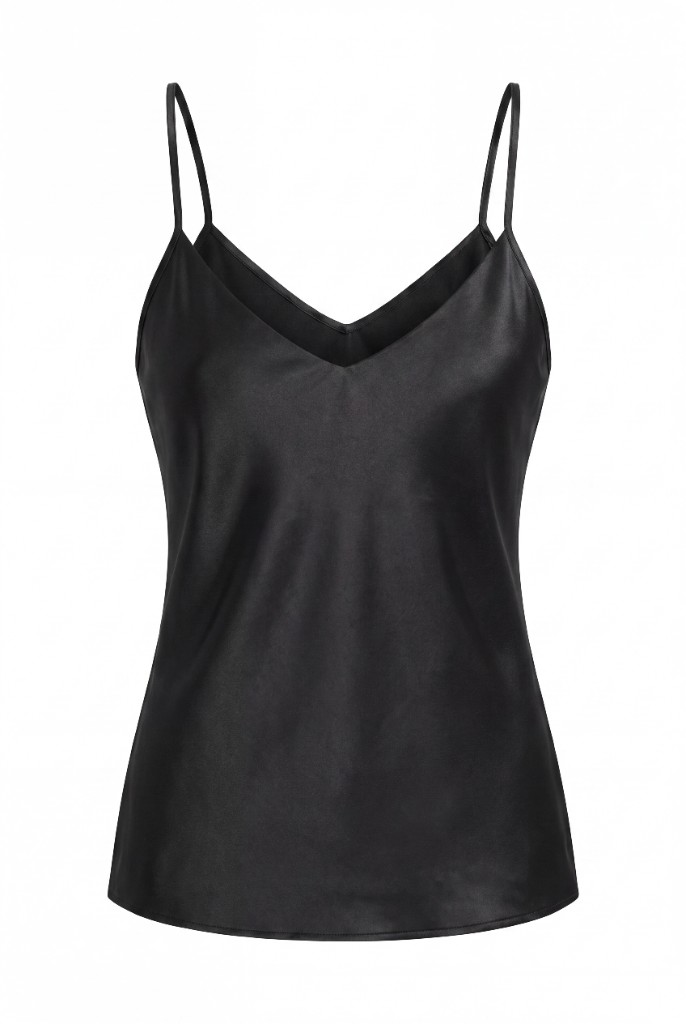
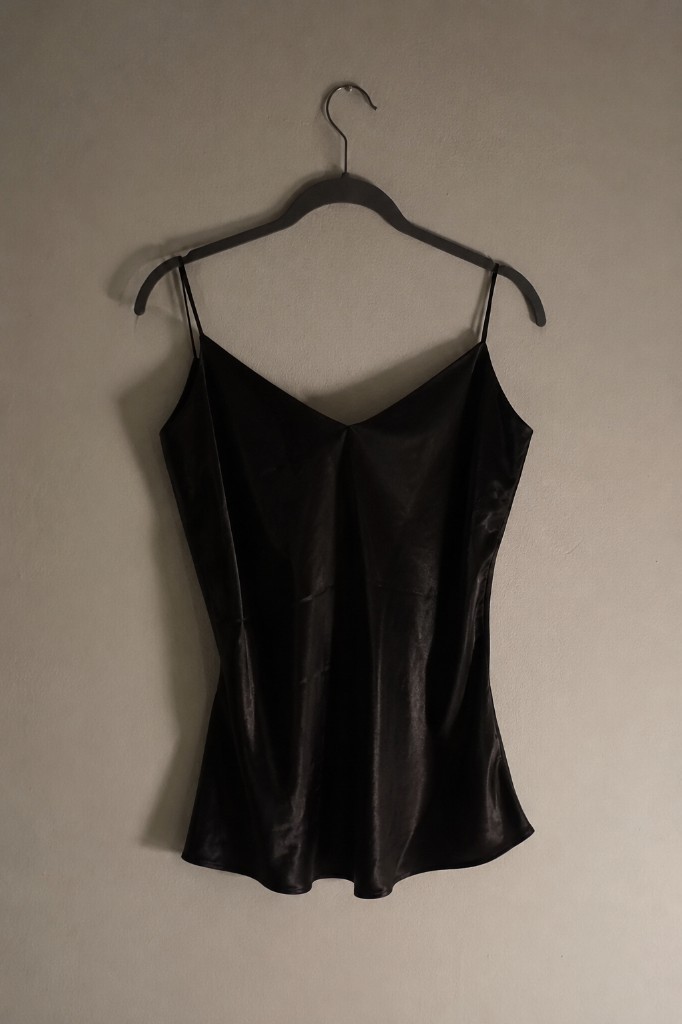
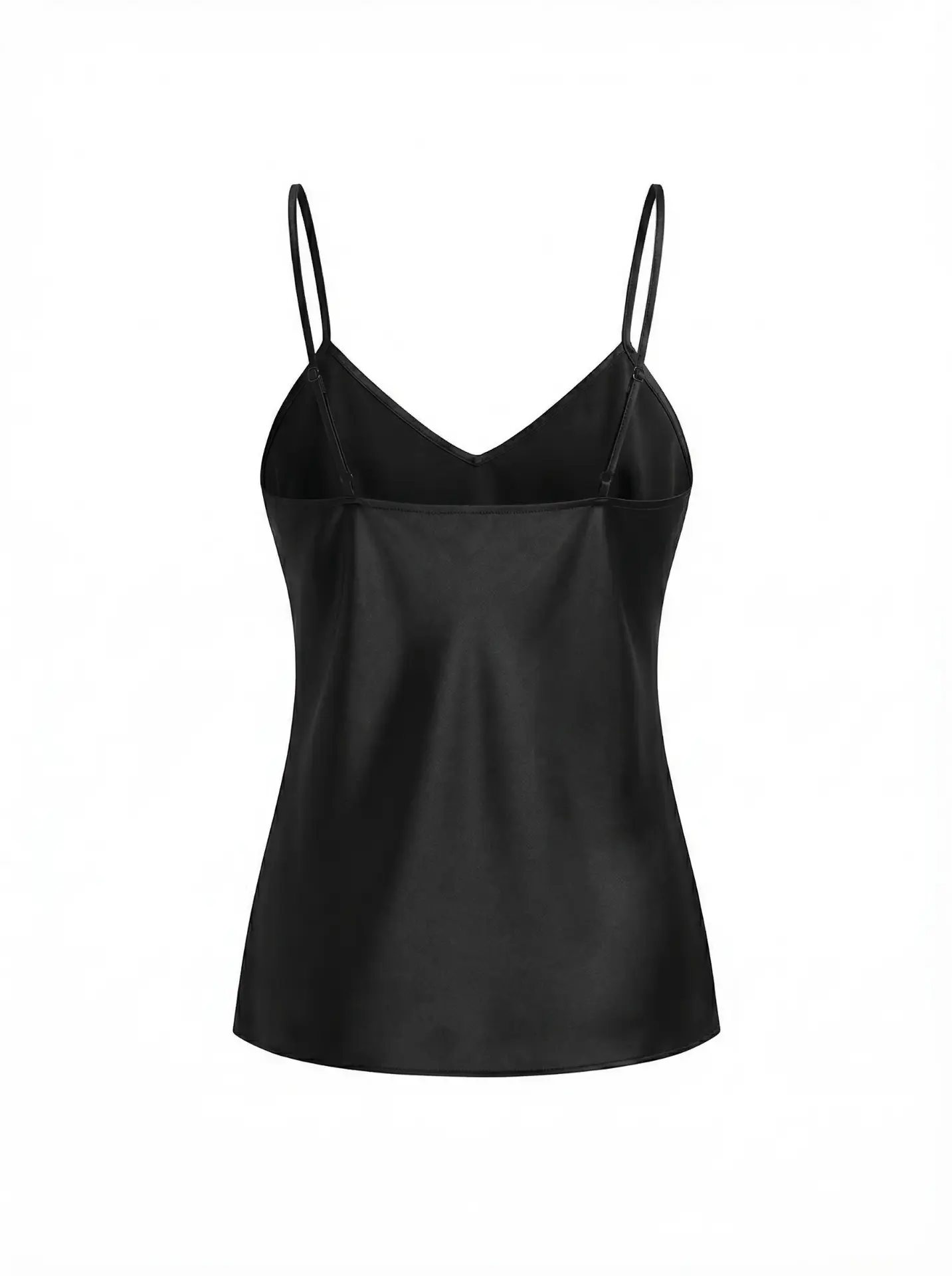
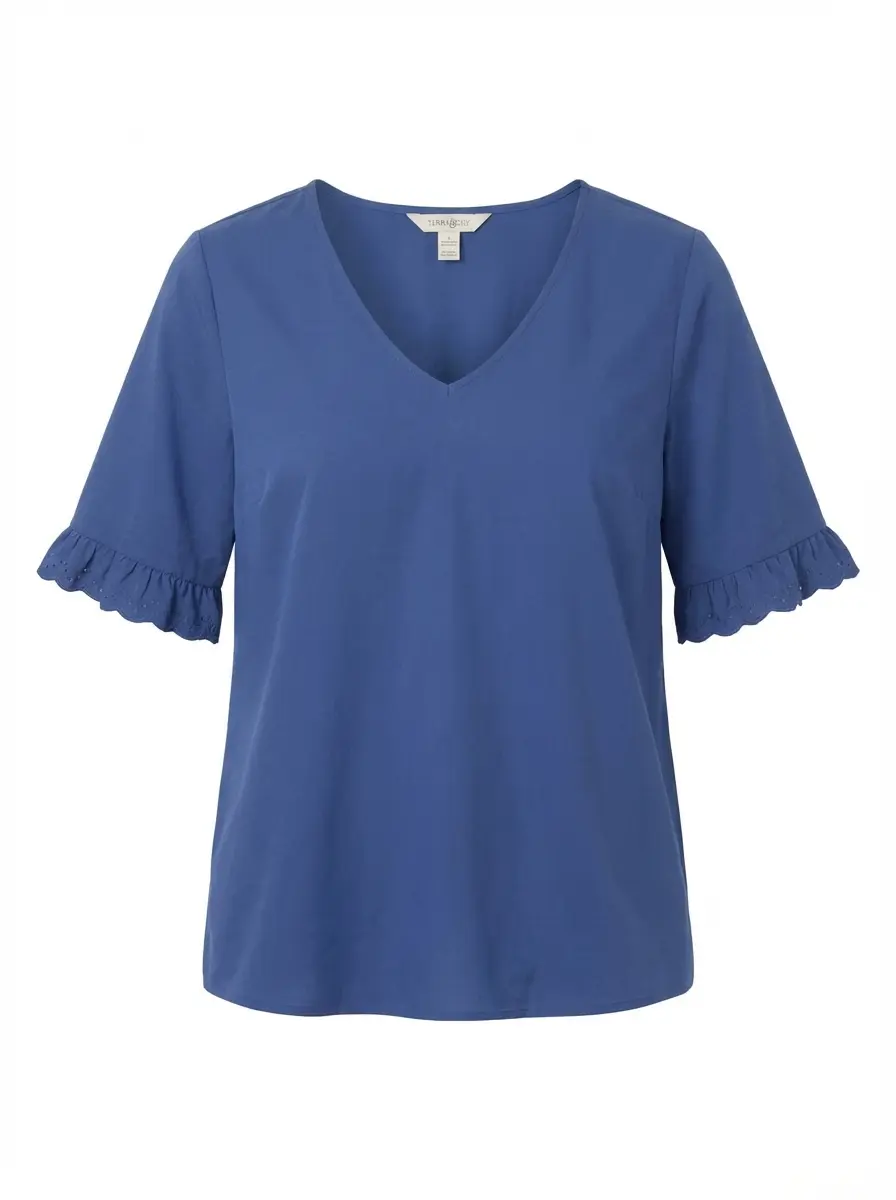
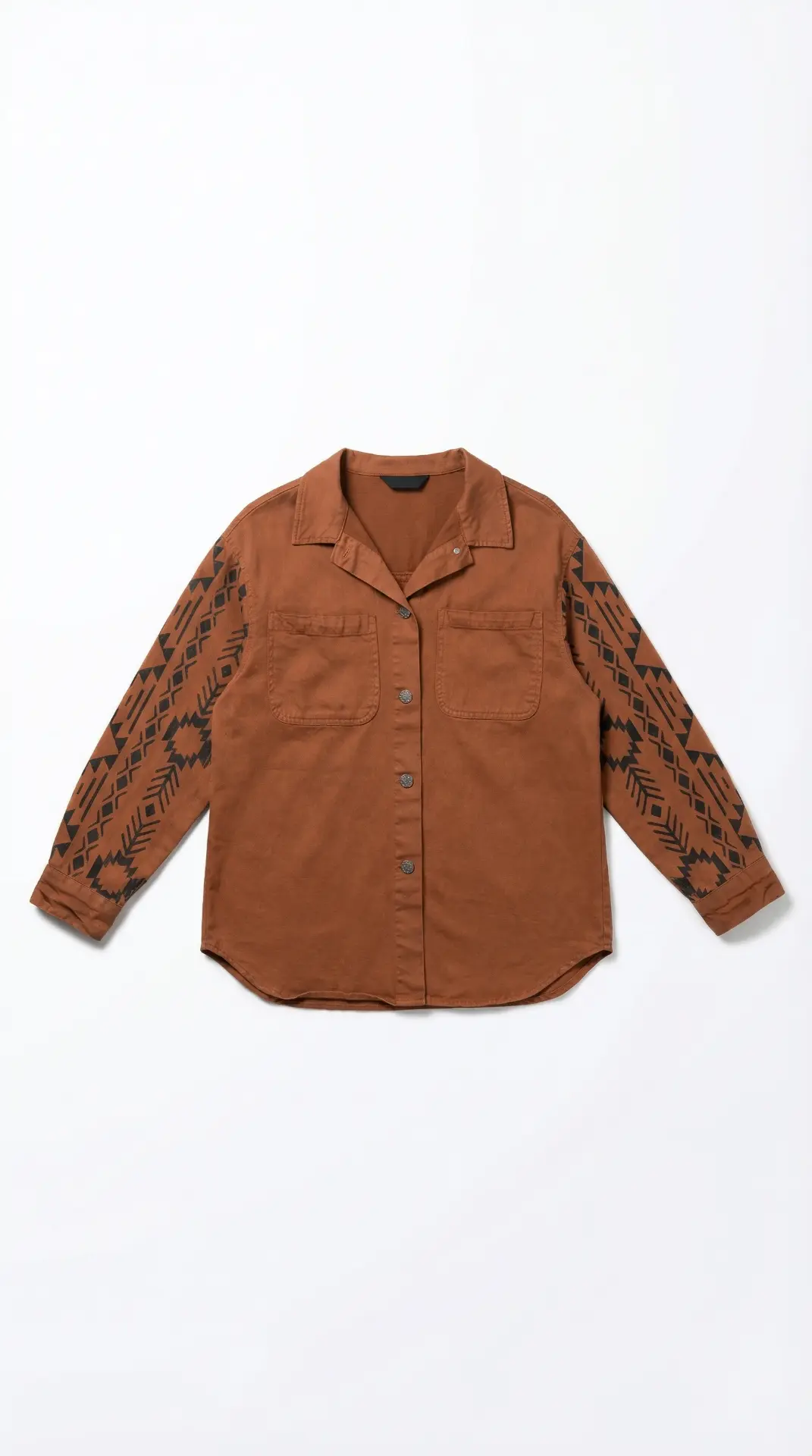
Tops and shirts: Lay flat with arms extended slightly or folded neatly at the sides. Show the neckline clearly — it's often the first detail a buyer checks.
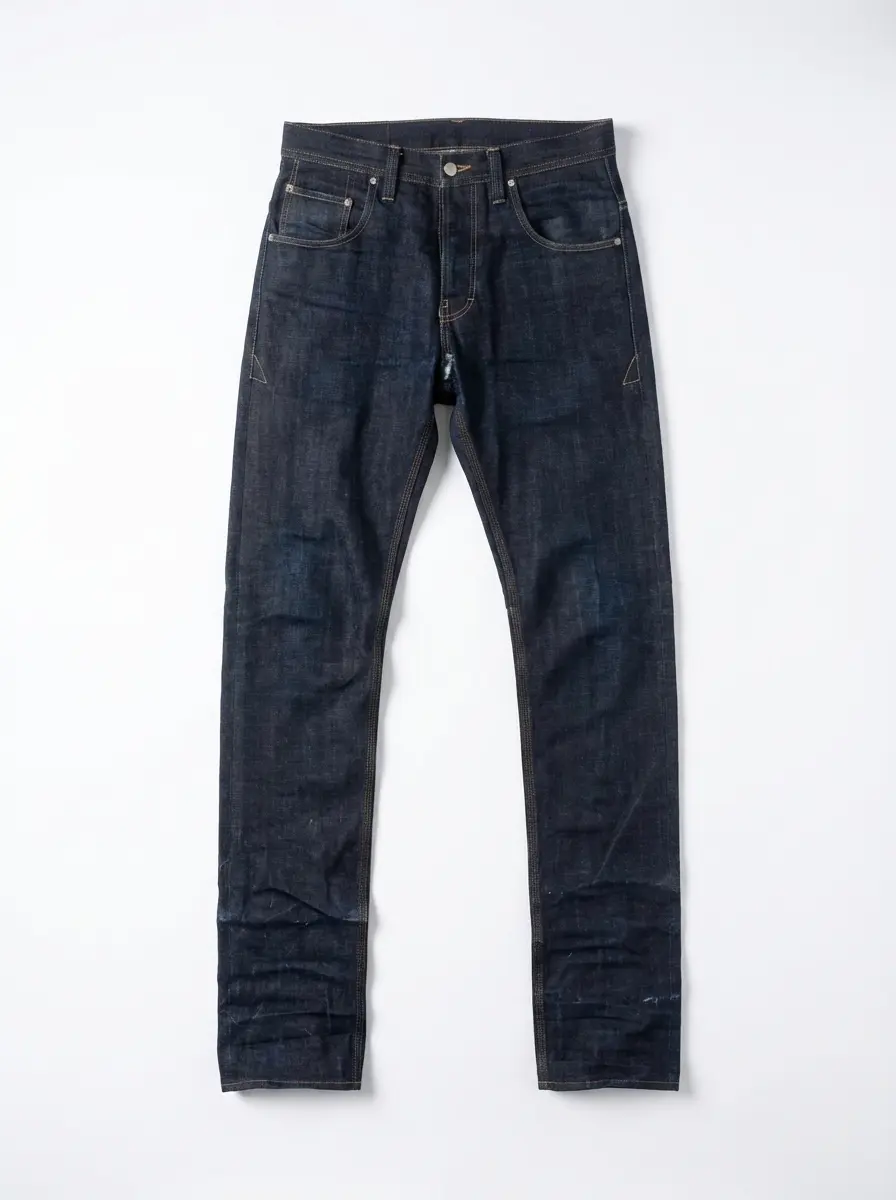
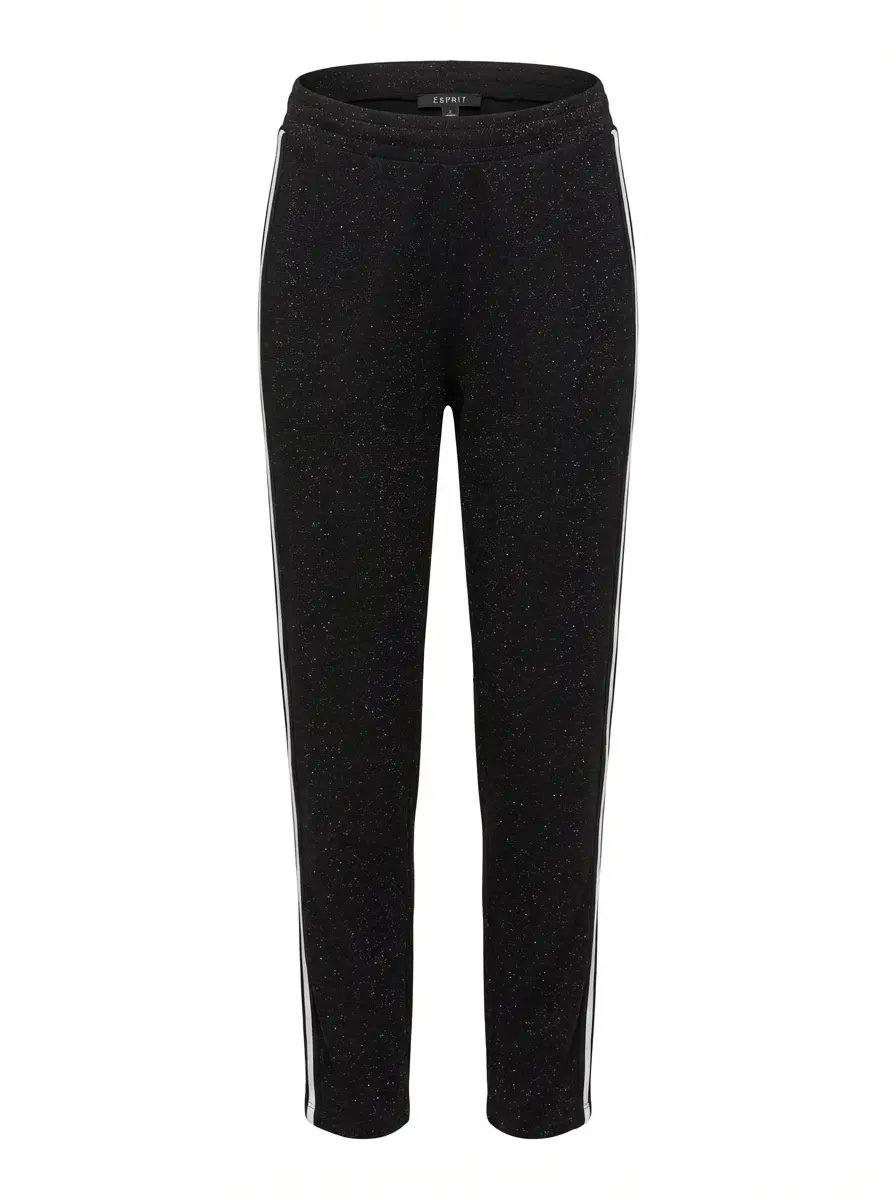
Bottoms: Lay trousers or skirts flat with a slight natural bend at the knee line. Avoid legs that look completely stiff or lifeless.
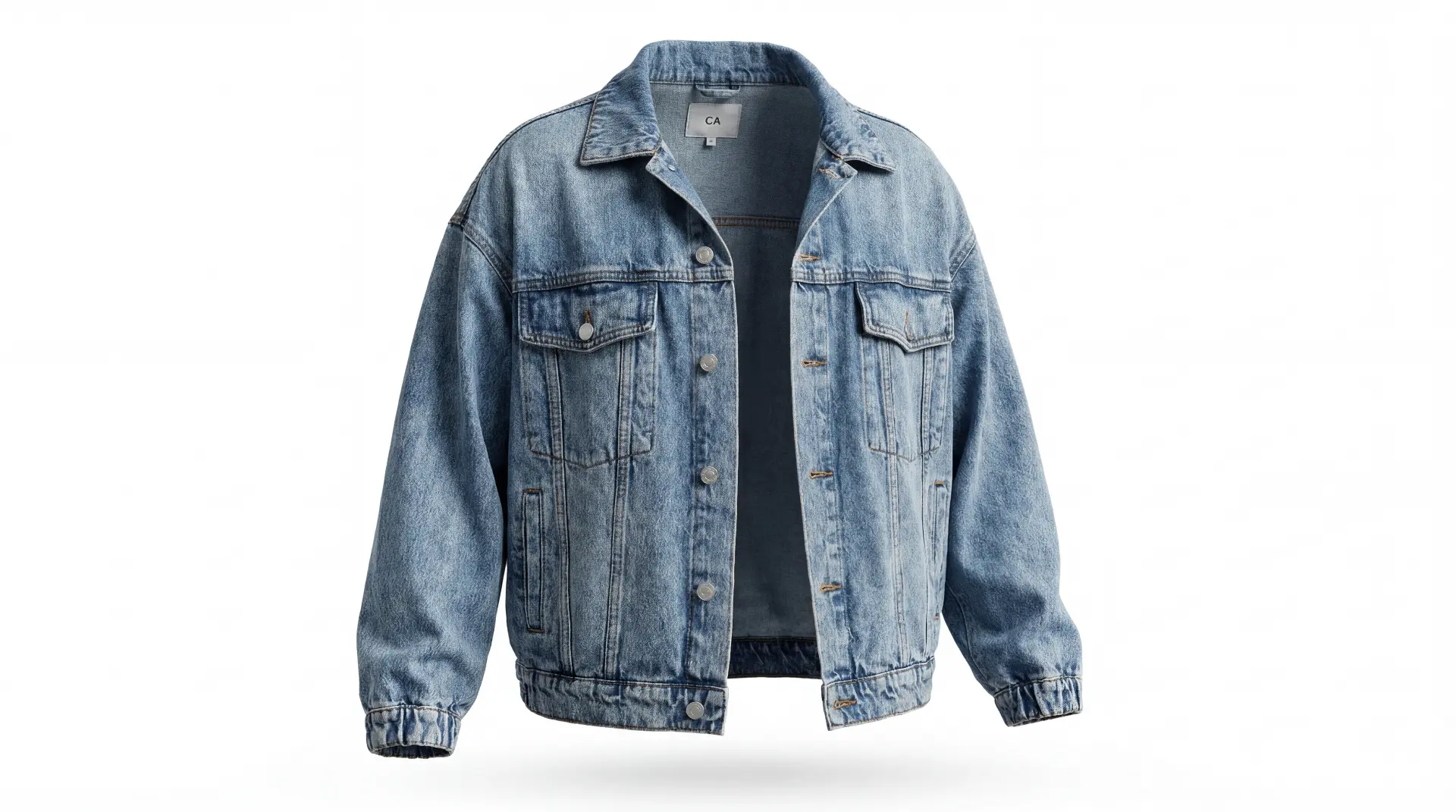
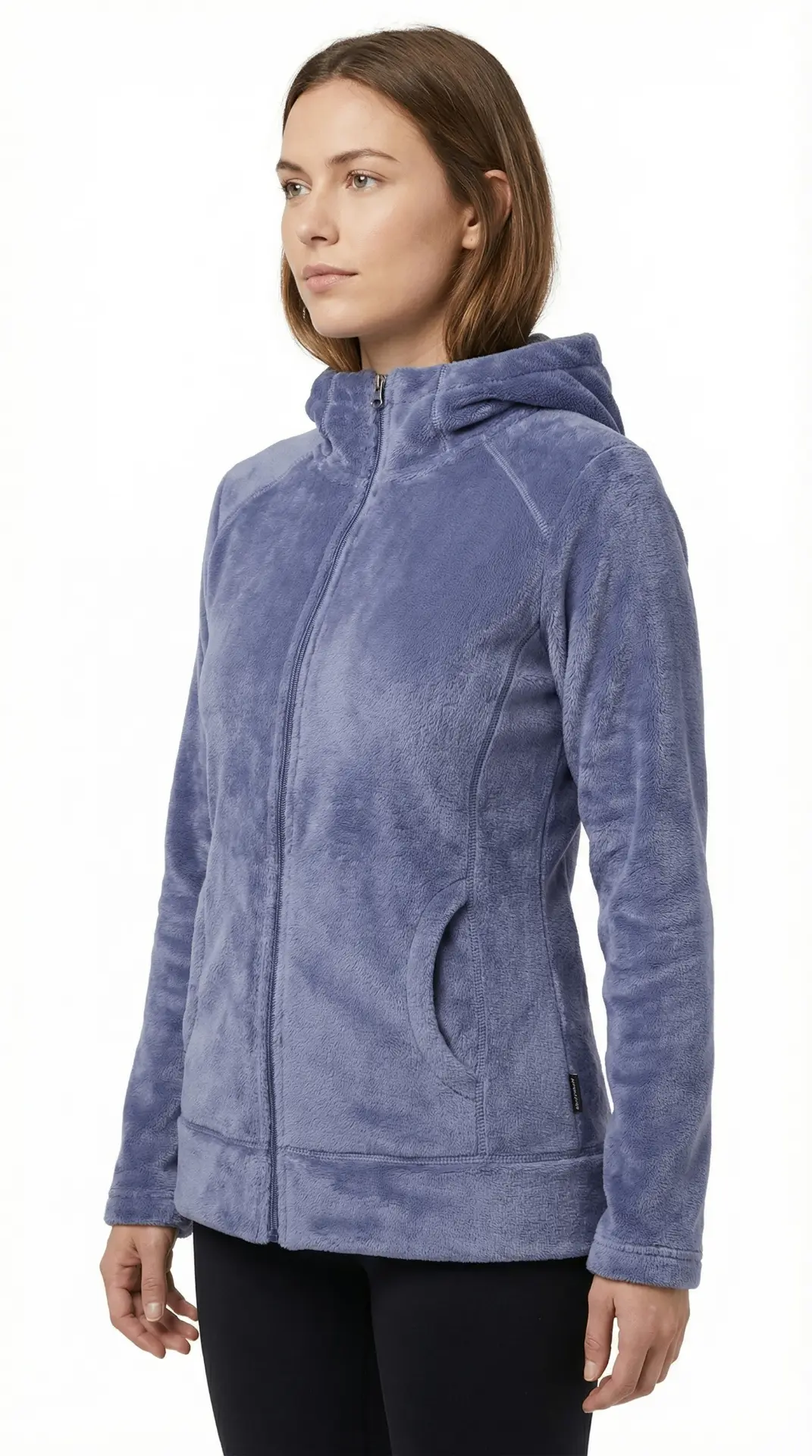
Outerwear: Jackets and coats have structure that works well in flat lays. Use the garment's natural shape — don't force it flat. Show lapels and any distinctive collar details prominently.
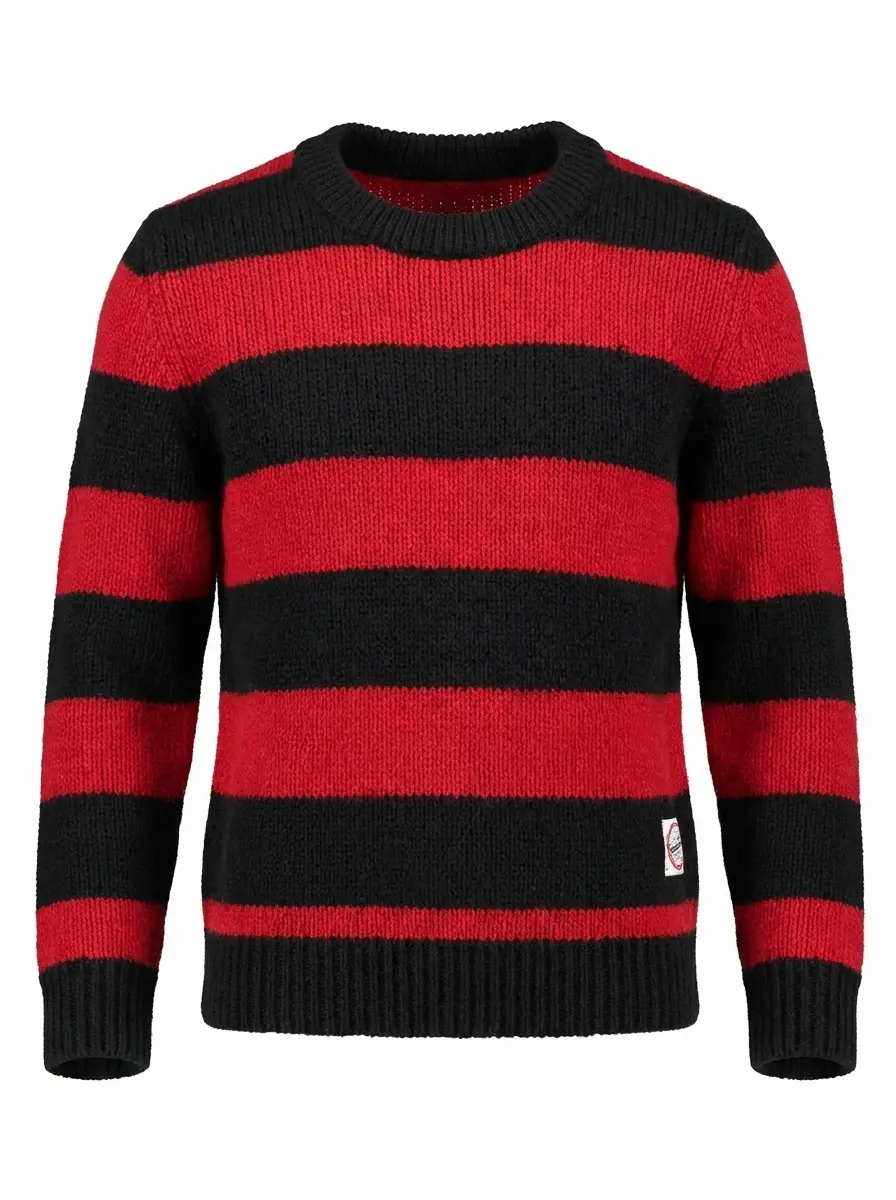
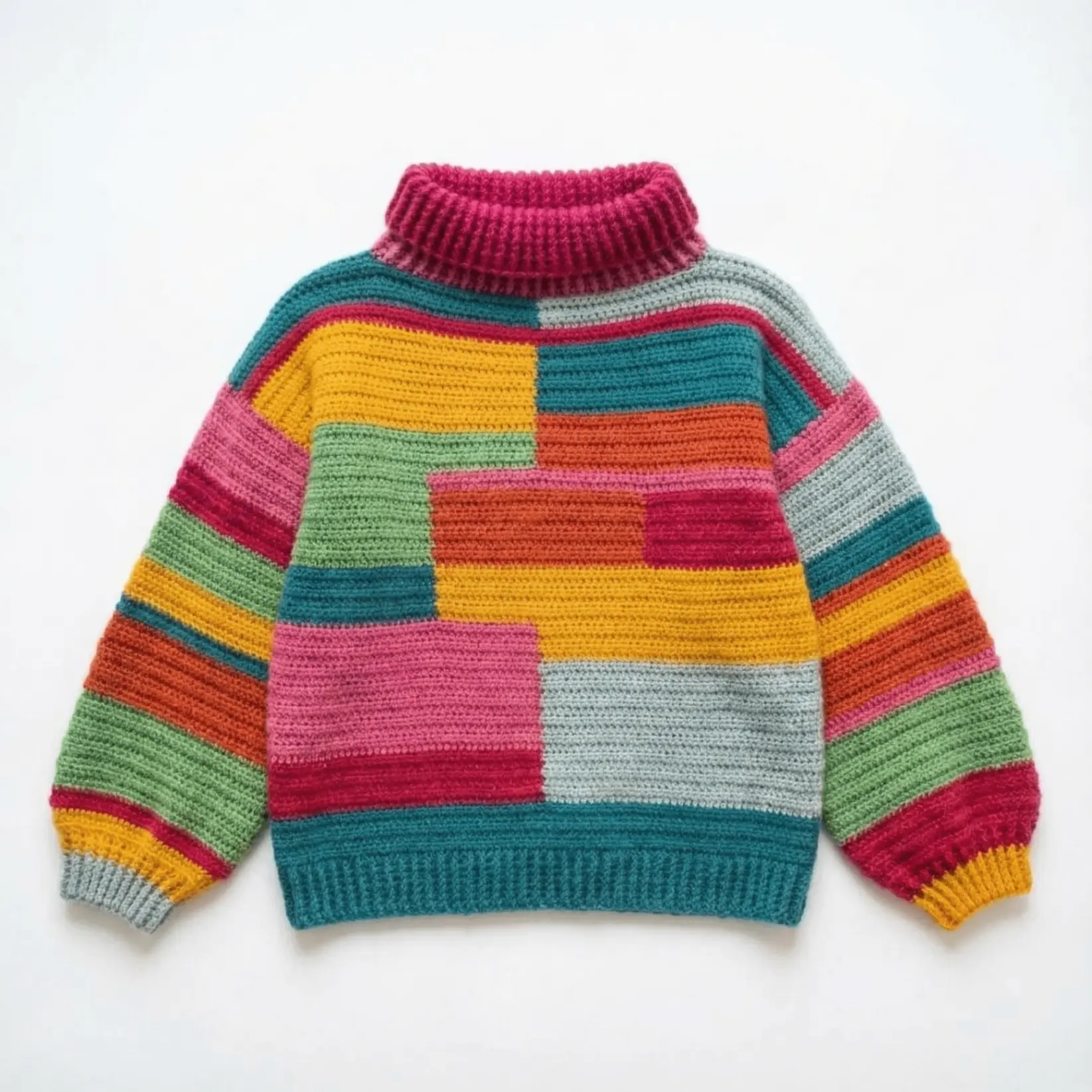
Knitwear: Fold or lay flat and emphasize texture. Lighting angle matters more here — slight raking light can bring out the knit pattern without creating harsh shadows.
Accessories: Flat lays shine for accessories (bags, belts, scarves). Style them alongside the garment they complement to tell a complete outfit story — this is a proven technique for increasing average order value.
How AI Is Changing Flat Lay Product Photography
The biggest shift in the last two years is that a well-shot flat lay is now the starting point, not the final output.
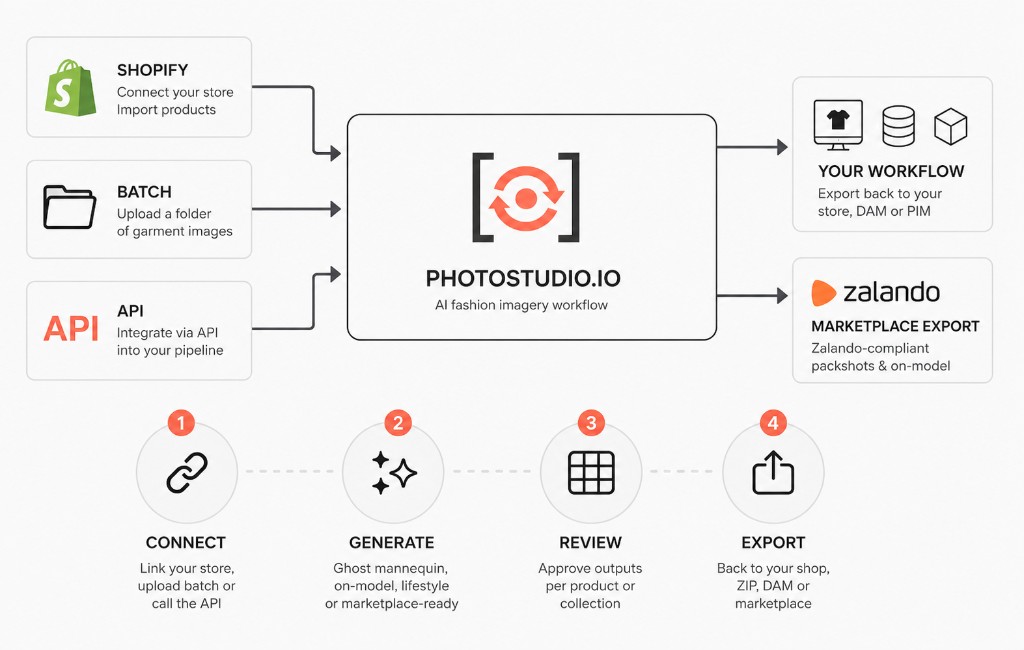
AI tools — including Photostudio's flat lay generator — can take a single flat image of a garment and enhance it: cleaning up backgrounds, improving lighting consistency, and generating scene context that would have required a full studio setup.
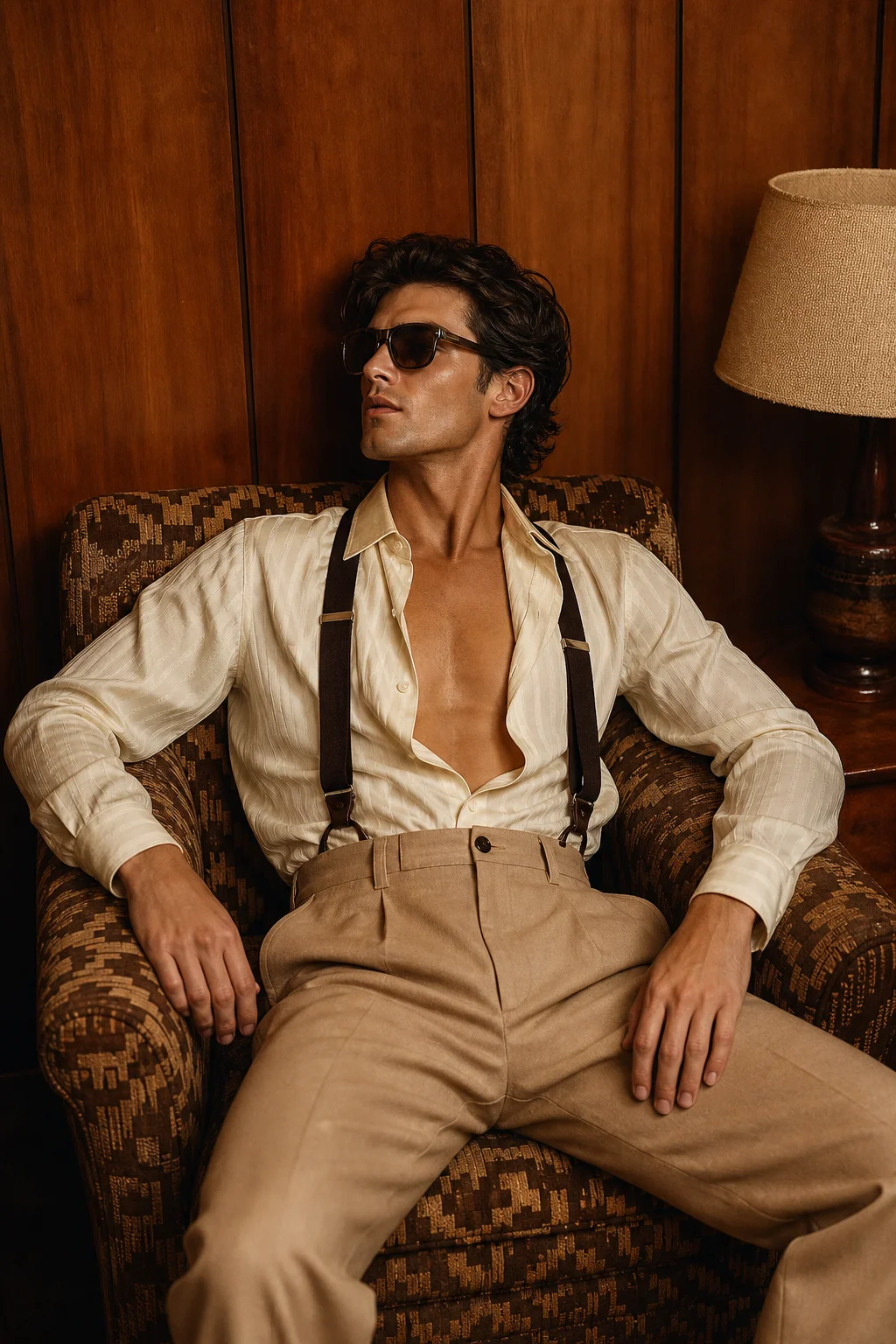
More significantly, AI removes the gap between flat lay and other photography formats. The same garment image that started as a flat lay can be transformed into a ghost mannequin shot or an on-model image — giving brands a complete visual set from a single source photo.
For sellers shooting at volume (50+ SKUs per week), this changes the economics of product photography entirely. Instead of maintaining separate workflows for flat lays, mannequin shots, and lifestyle imagery, a single flat lay input can populate all three.
Try Photostudio's flat lay generator free — upload a garment photo and see the output in under three minutes.
When to Use Flat Lay vs. On-Model vs. Ghost Mannequin
Understanding where flat lay photography fits in your content mix helps you deploy it strategically rather than using it as a default.
| Format | Best used for | Typical context |
|---|---|---|
| Flat lay | Accessories, folded items, catalog consistency, social content | Primary listing image (some categories), social media, email |
| Ghost mannequin | Structured garments — jackets, dresses, knitwear | Primary listing image on most fashion marketplaces |
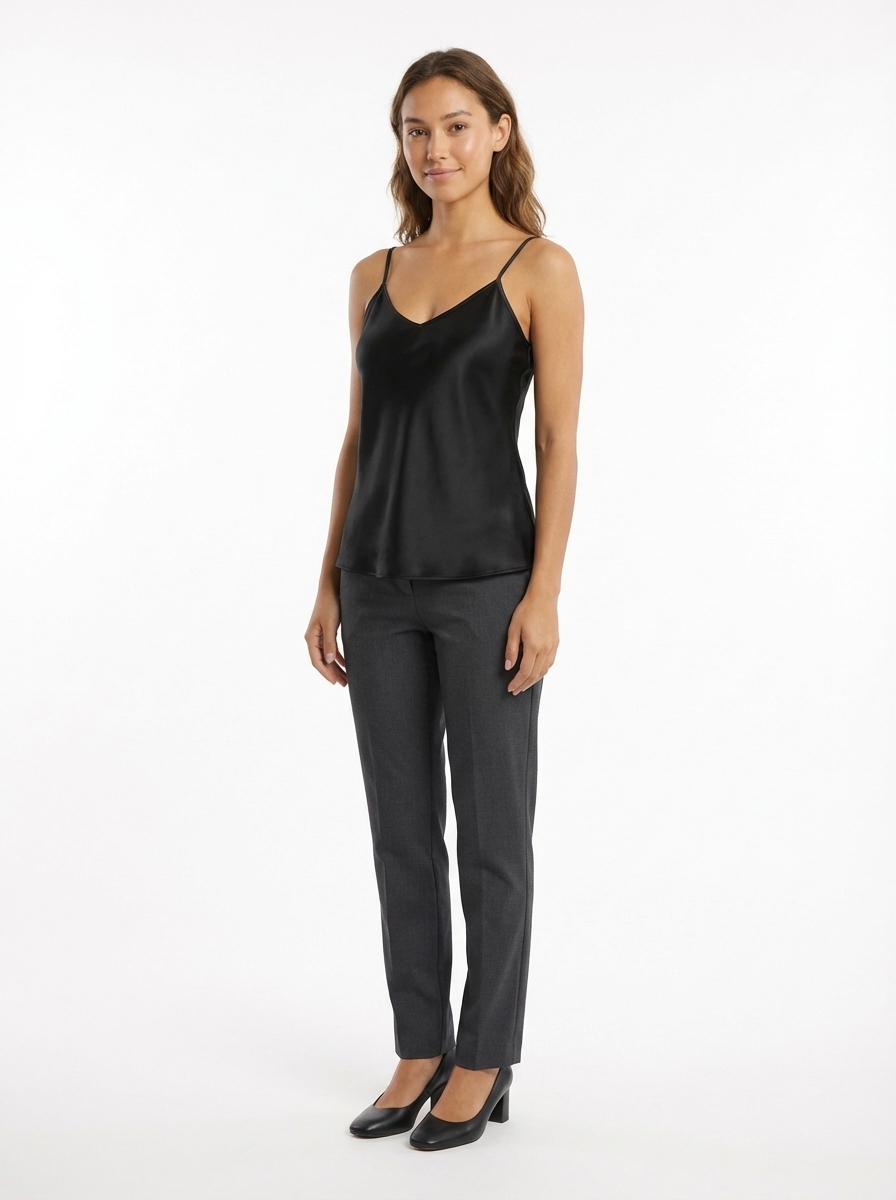
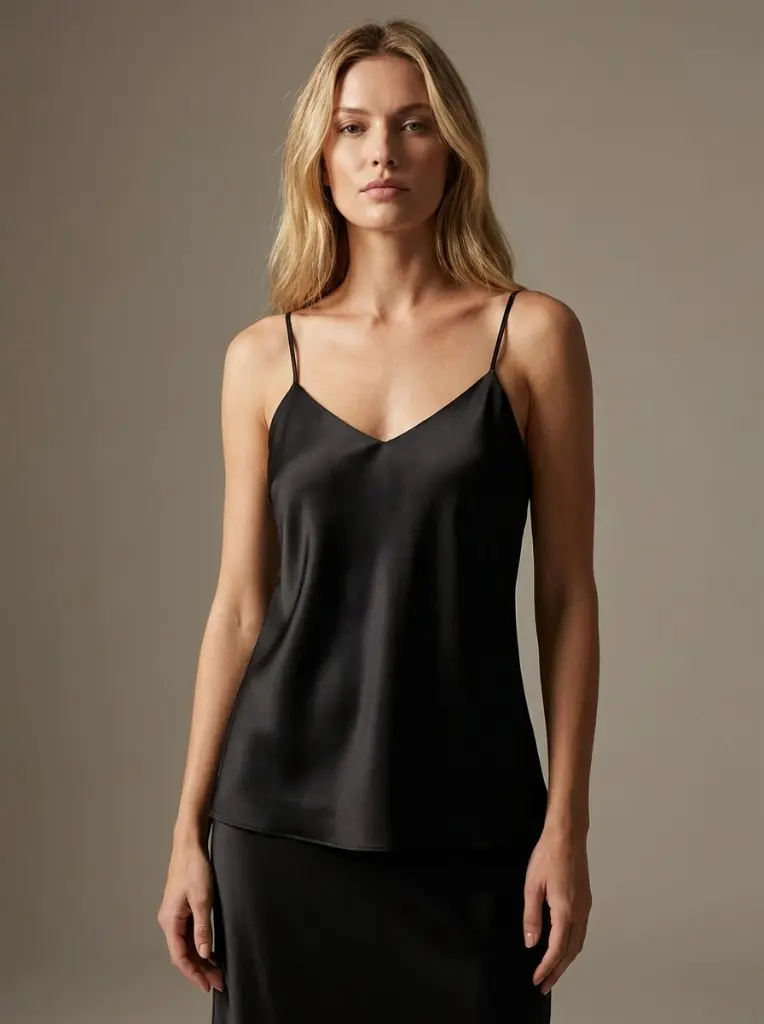
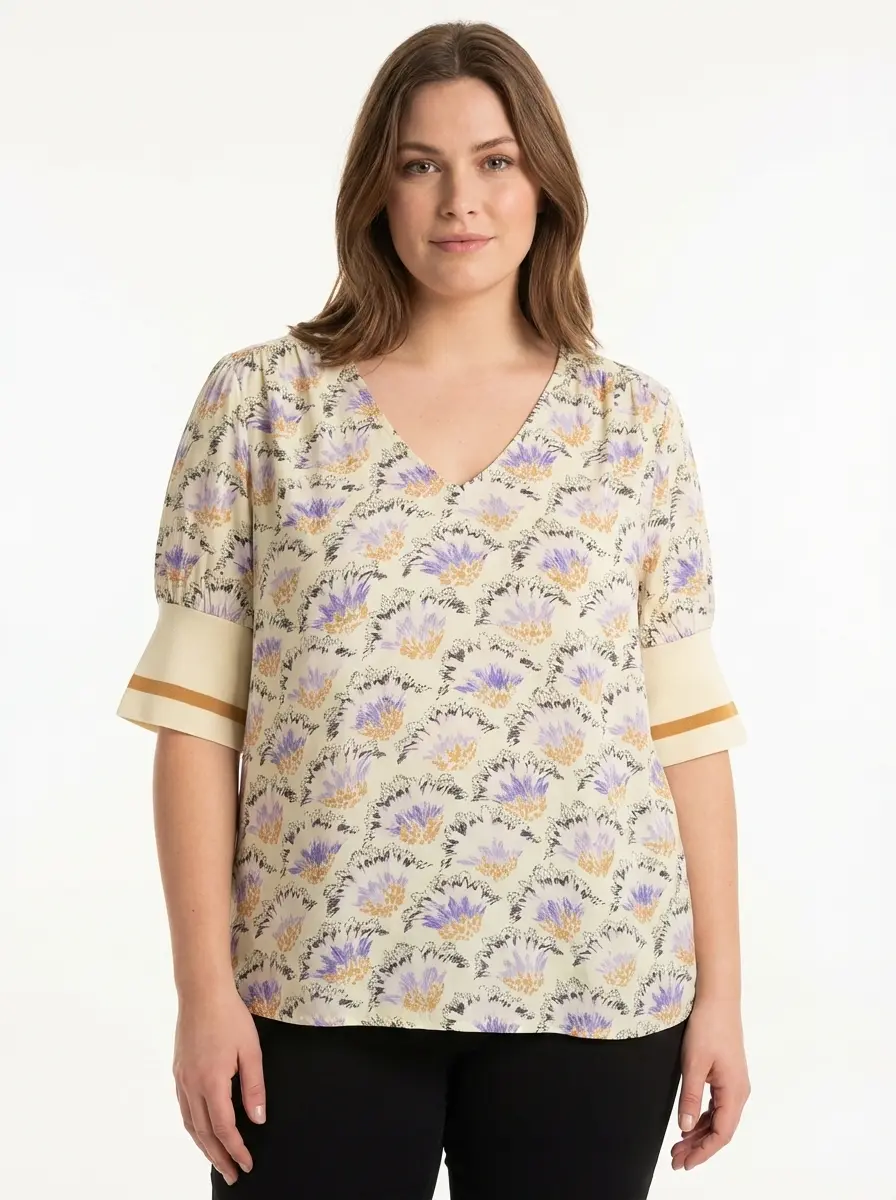
| On-model | Anything where fit and movement matter | Lifestyle pages, ads, hero images |
Most brands use all three. Flat lays handle volume and social content efficiently. Ghost mannequin and on-model shots carry the primary listing imagery where structure and fit need to read clearly.
Frequently Asked Questions
What equipment do I need for flat lay photography?
At minimum: a smartphone or camera with a manual mode, a tripod with an overhead arm, and a white foam board or seamless paper background. For consistent professional results, two LED softbox lights (around $50–80 each) make a significant difference. A steamer for garments is essential.
What's the best background for flat lay clothing photography?
White or light grey is standard for marketplace listings and ensures your images meet platform requirements. For editorial and social content, textured surfaces like wood grain, linen, or marble add visual interest without distracting from the product.
How do I make flat lay clothing look less flat?
Use tissue paper, cardboard, or foam inserts inside the garment to give it dimension. Style deliberately — folded cuffs, a slightly open collar, or a draped hem all suggest the garment has presence. Natural creases in the right places read as authenticity rather than sloppiness.
Can I use flat lay photos as my primary product images on Amazon or Shopify?
It depends on the category. Amazon's apparel category increasingly expects structured mannequin or on-model shots as the primary image. Flat lays work well as secondary images showing fabric detail or styling context. For Shopify stores, flat lays can work as primary images, especially for accessories and folded items.
How is AI changing flat lay product photography?
AI tools can now take a single flat lay photo and generate a full visual set — including ghost mannequin shots, lifestyle scenes, and product videos — without additional photography. This significantly reduces the cost and time of producing a complete content library for a product launch. Photostudio is built specifically for this workflow.
How much does flat lay photography cost?
DIY flat lay photography can be done for under $200 in equipment. For outsourced photography, rates vary widely — $5 to $25 per image is typical for studio services. AI-assisted flat lay generation through tools like Photostudio brings the cost well below $1 per image at volume.
Start with Flat Lay, Go Further with AI
Flat lay photography remains one of the most practical ways to build a consistent product image library — especially for apparel and accessories brands managing large catalogs. The technique is accessible, repeatable, and produces content that works across channels.
What's changed is what you can do with a good flat lay once you have it. AI tools have made it possible to generate a ghost mannequin shot, an on-model image, and a lifestyle scene from the same source photo — turning one shoot session into a complete content set.
If you're currently shooting flat lays and routing them through a manual post-production workflow, Photostudio's flat lay generator is worth testing. Upload one garment photo and see the output for free.
And when you're ready to go beyond flat lay — to on-model imagery and ghost mannequin shots at scale — Photostudio's full suite handles the complete workflow from a single source image.