
Apparel Photography Guide for Ecommerce Fashion Brands
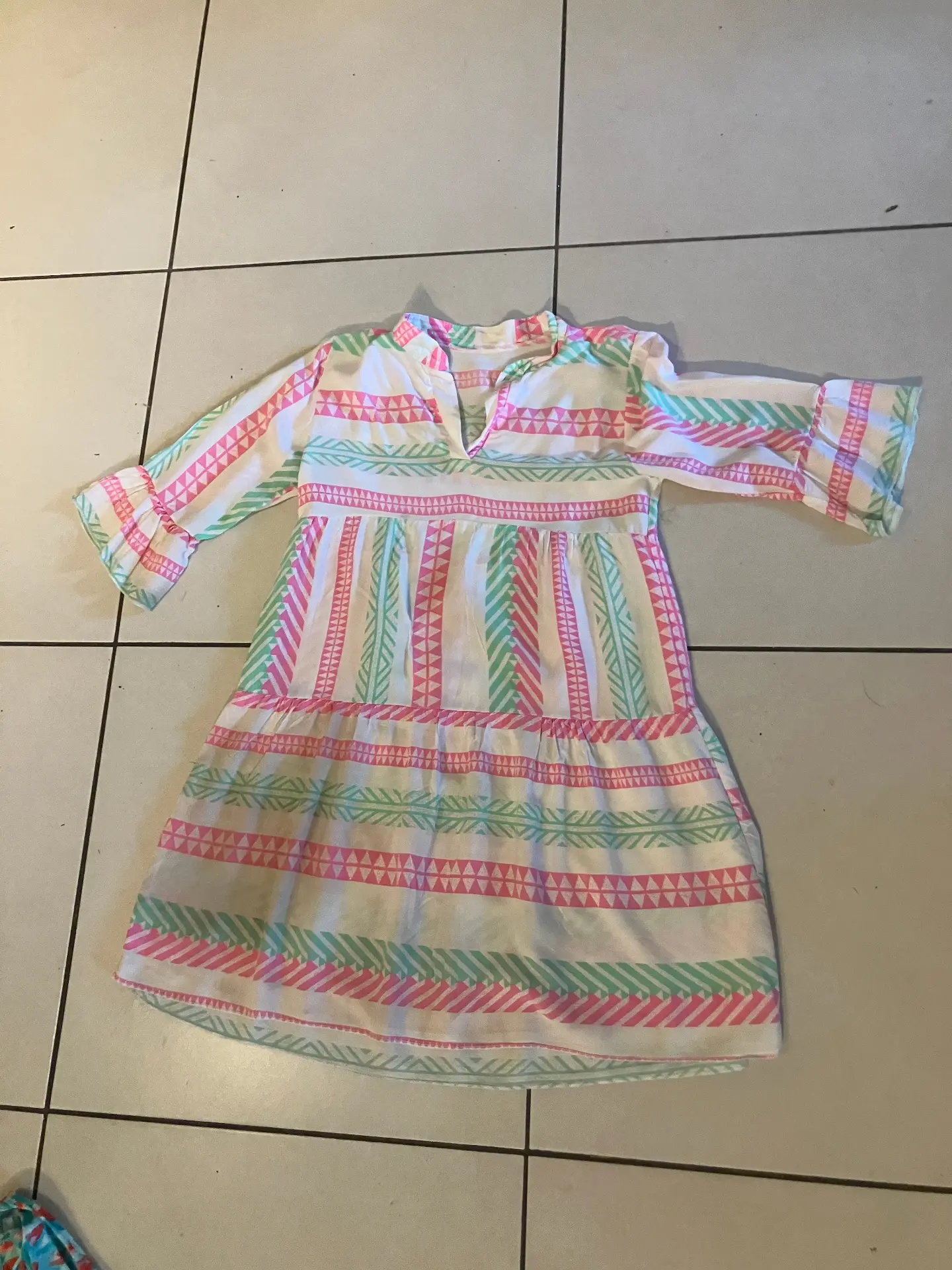
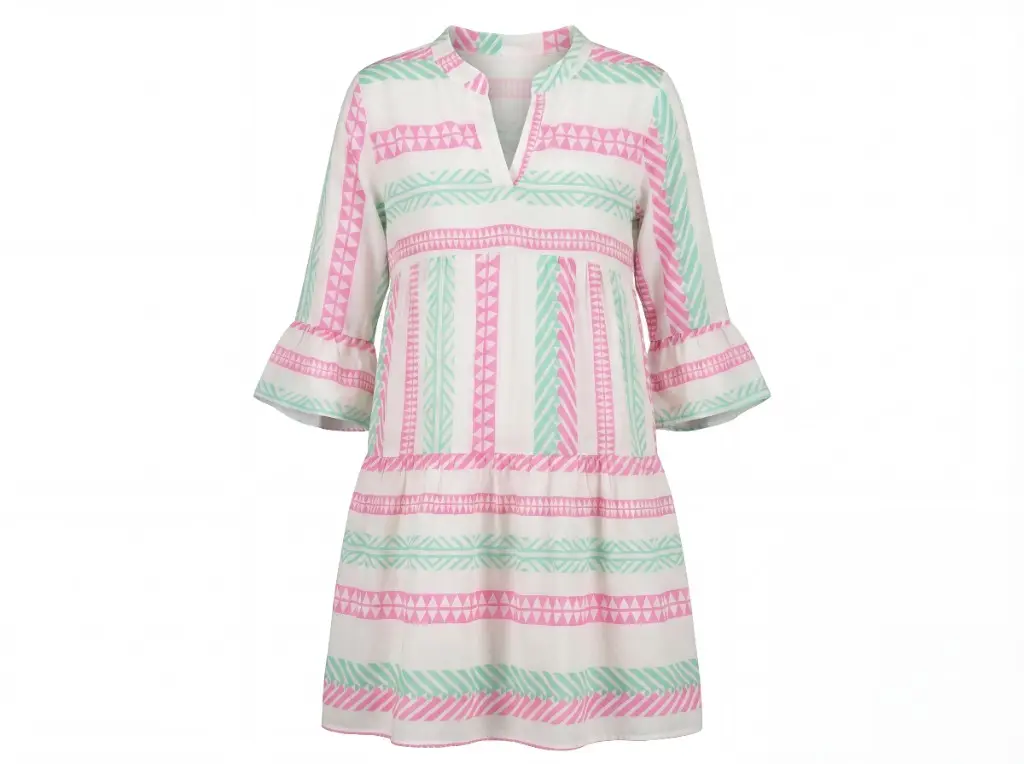
Apparel photography is one of the biggest conversion levers for fashion ecommerce. The right product images show fit, shape, fabric, texture and styling — while poor images create hesitation, lower trust and increase returns.
This guide explains the main apparel photography formats used by online fashion brands: on-model, ghost mannequin, flat lay and lifestyle photography. You'll also learn the basic setup, cost ranges, garment-specific tips, common mistakes and how AI tools now help brands create complete product image sets from a single garment photo.
Want to create apparel product photos without a studio?
Try Photostudio's AI photo studio and generate ghost mannequin, flat lay, on-model and lifestyle images from one garment photo.
Create AI Apparel PhotosWhy Apparel Photography Is Uniquely Challenging
Clothing is harder to photograph than most product categories. Unlike a bottle or a phone, garments have no fixed shape — they drape, wrinkle, and respond to gravity differently depending on the fabric. The same jacket looks completely different on a hanger versus on a body versus laid flat.
This means apparel photography requires a deliberate decision about format before you pick up a camera. Each format communicates different information and serves a different purpose in the buying journey.
The Four Formats of Ecommerce Apparel Photography
1. On-Model Photography
On-model shots show a garment worn by a real or virtual model. They communicate fit, proportion, and movement — the three things a buyer most wants to know before purchasing clothing online.
On-model is the gold standard for conversion on primary product listings. Studies consistently show that shoppers are more likely to purchase when they can see how a garment fits on a body. It also reduces returns, because buyers have a realistic expectation of how the item looks when worn.
The traditional barrier is cost: model fees, studio time, and the need to reshoot when you want different demographics represented. AI on-model photography removes most of that friction — you upload a garment image, choose a model, and get front, side, and back poses in minutes.
2. Ghost Mannequin Photography
Ghost mannequin photography captures a garment on a mannequin, then removes the mannequin in post-production. The result is a floating, three-dimensional garment that shows structure and shape without the distraction of a visible support.
It's the preferred format for most fashion marketplaces — particularly for structured garments like jackets, blazers, dresses, and knitwear where shape is the selling point. Ghost mannequin shots are consistent, scalable, and don't require a model booking.
The limitation is that they don't communicate fit or movement. For that reason, most brands use ghost mannequin as the primary product image and supplement with on-model imagery on the same product page.
3. Flat Lay Photography
Flat lay photography photographs garments from directly above, laid on a flat surface. It's the most accessible format — no mannequin, no model, no studio setup required — and produces clean, consistent imagery that works well for accessories, folded items, and social content.
For most structured garments, flat lays work better as secondary images or social content than as primary product images, because they don't show shape or fit. For accessories (scarves, bags, belts) and casualwear (t-shirts, flat-packing items), they can serve as effective primary shots.
4. Lifestyle and Editorial Photography
Lifestyle shots show products in context — worn in a real environment, styled with complementary items, or captured in a scene that evokes the brand's aesthetic. They're high-engagement on social media and ad channels, and they're important for building brand identity above and beyond catalog listings.
Lifestyle photography is typically the most expensive format to produce, and the hardest to do at scale. AI scene generation tools can now produce lifestyle-style contexts around product images — useful for social and ad content without a full location shoot.
Apparel Photography Costs: What to Expect
| Approach | Cost per garment | Pros | Cons |
|---|---|---|---|
| Traditional studio (model + photographer) | $50–$200+ | Highest quality, full creative control | Expensive, slow, hard to scale |
| Freelance photographer (no model) | $15–$50 | More affordable, good for ghost mannequin | Still requires scheduling and post-production |
| DIY with smartphone | $0–$5 (equipment amortised) | Lowest cost | Time-intensive, quality varies |
| AI product photography | $0.50–$3 | Fast, consistent, scalable | Works best with clean source images |
For most growing apparel brands, the practical answer is a hybrid: DIY or freelance for source images (flat lays or ghost mannequin on white), then AI for format generation and variation at scale. See Photostudio pricing when you're comparing production costs at catalog scale.
Clothing Product Photography: Technical Setup
Camera and lens
A DSLR or mirrorless camera with a 50mm or 85mm lens produces flattering proportions with minimal distortion. For on-model photography, shoot at f/5.6 to f/8 to keep the full garment in focus while slightly separating it from the background.
Smartphone cameras have improved dramatically. Current flagship phones produce images sufficient for most ecommerce purposes — particularly for flat lays and secondary images. For hero images on high-end products, a camera still has the edge.
Lighting
Two-point lighting (a key light and a fill light, positioned at roughly 45-degree angles) is the foundation of clean product photography. Add a background light if you want a pure white background rather than a grey gradient.
For on-model photography in a studio, softboxes produce the most flattering diffused light. Ring lights work but can create a flat, commercial look that doesn't flatter all garments. Natural light — a large north-facing window on an overcast day — works well for a softer, editorial feel.
Background
White seamless paper (9-foot rolls) is the industry standard for ecommerce apparel photography. It produces clean images that meet marketplace requirements and allow for easy background removal or replacement in post.
Coloured or textured backgrounds can work for secondary images and social content, but keep primary marketplace images on white or very light neutral backgrounds.
Steaming
This is non-negotiable. Every garment should be steamed immediately before photography. Wrinkles are exaggerated by studio lighting and from above in flat lays. A $50 handheld steamer pays for itself in the first shoot.
Clothing Photography Tips by Garment Type
Tops and shirts: Style the collar deliberately — open, buttoned, or folded — and show it clearly. Tuck or untuck depending on the intended wear. On-model shots should show the shirt tucked and untucked where relevant.
Trousers and skirts: Show the waistband clearly. For trousers, a slight bend at the knee on ghost mannequin or on-model shots conveys more natural drape than a stiff straight-leg pose.
Dresses: The silhouette is everything. Ghost mannequin works well for structured dresses; on-model is essential for draped or flowy styles where movement is a key selling point.
Outerwear: Show the garment closed and open where both are relevant. Lapels, collar structure, and lining are details buyers check — make them visible. Ghost mannequin is particularly effective for outerwear.
Knitwear: Emphasise texture. A slight raking light angle brings out the knit pattern without creating harsh shadows. Close-up detail shots of the knit texture are a high-value secondary image for this category.
Activewear: Movement matters here. On-model photography with active poses — reach, stretch, bend — demonstrates performance and fit better than any static format. If on-model shoots aren't feasible at scale, AI on-model tools handle activewear well.
AI Apparel Photography: How Brands Scale Product Images
AI apparel photography helps brands turn one clean garment image into multiple ecommerce-ready outputs: ghost mannequin images, flat lay photos, on-model visuals, lifestyle scenes and campaign creatives. Instead of planning a full shoot for every format, brands can capture or upload one strong source image and use AI to generate consistent visual variations for product pages, Shopify stores, WooCommerce catalogs, marketplaces, ads and social content.
A brand launching 50 new styles per season faces a real logistics problem with traditional photography. Each style may need primary images (ghost mannequin or on-model), secondary images (detail, flat lay, styling), and channel-specific variations (square for Instagram, portrait for Pinterest, white background for Amazon).
That's potentially hundreds of individual image outputs per launch — from a single shoot.
The most efficient model combines:
- A single source image per garment (typically a clean flat lay or ghost mannequin shot on white)
- AI tools to generate format variations from that source image
- A consistent naming and filing system that maps images to SKUs across channels
Photostudio's AI photo studio is built specifically for this workflow. Upload one garment image and generate the ghost mannequin shot, on-model poses, and lifestyle context — all from a single input, in minutes per style.
Common Apparel Photography Mistakes
Skipping the steam. Wrinkles on product images signal low quality to buyers, even subconsciously.
Inconsistent framing. If your product grid has different crop ratios, padding, and zoom levels per item, it reads as amateurish and makes browsing harder. Set a standard and enforce it.
No secondary images. Primary product images answer "what does it look like." Secondary images — detail shots, back views, fabric texture, styling context — answer "should I buy it." Both matter for conversion.
Only one photography format. Ghost mannequin alone doesn't show fit. On-model alone doesn't scale economically. A mix of formats serves buyers better at each stage of the decision process.
Ignoring mobile. Over 60% of ecommerce browsing happens on mobile. Check every image on a phone screen — details that read clearly on desktop can become indistinguishable at mobile sizes.
Frequently Asked Questions
What is apparel photography?
Apparel photography is product photography for clothing and fashion items, including on-model, ghost mannequin, flat lay, detail and lifestyle images used by ecommerce brands.
How much does apparel photography cost?
Traditional apparel photography can cost $50–$200+ per garment with model and studio production. AI apparel photography can reduce the cost by generating multiple ecommerce image formats from one clean source image.
Can AI create apparel product photos?
Yes. AI tools can now create ghost mannequin, flat lay, on-model and lifestyle product photos from a single garment image, especially when the source image is clean, well lit and clearly shows the garment.
What's the best camera for apparel photography?
A mirrorless camera with a 50mm or 85mm prime lens produces excellent results. Canon R series, Sony A7 series, and Nikon Z series are all strong options. For smaller budgets, a current flagship smartphone (iPhone or high-end Android) is sufficient for most ecommerce purposes.
How do I photograph dark or black clothing?
Dark garments absorb light, which flattens detail. Use a slightly overexposed exposure setting and ensure your fill light is strong enough to reveal texture and seaming. A subtle gradient background (slightly lighter than pure white at the edges) helps dark garments separate from the background.
Do I need a professional model for apparel photography?
Not necessarily. Ghost mannequin and flat lay photography don't require a model at all. For on-model imagery, AI tools like Photostudio's on-model generator can produce realistic on-model photos from a single garment image — no model booking required.
What image size and resolution should I use for ecommerce?
Most platforms recommend at least 2,000px on the longest side. Amazon requires a minimum of 1,000px for zoom functionality (and recommends 2,000px or more). Shopify handles any resolution but compress images before upload — aim for under 1MB per image to avoid page speed issues.
How many photos do I need per product?
A minimum of three to five images per product is the ecommerce standard: one primary (ghost mannequin or on-model), one back view, one detail shot, and ideally one secondary lifestyle or styling image. High-AOV items benefit from more — seven to ten images reduces purchase hesitation for higher-priced garments.
How is AI changing apparel photography?
AI tools can now generate ghost mannequin shots, on-model images, and lifestyle scenes from a single flat lay input. For brands shooting at volume, this means one source image per garment can populate a complete visual set — dramatically reducing the cost and time of catalog photography. Photostudio is built specifically for this use case.
Create your next apparel product image set with Photostudio
Upload one garment image and generate ghost mannequin, flat lay, on-model and lifestyle visuals for your ecommerce catalog.
Try PhotostudioThe Bottom Line on Apparel Photography
The goal is consistent, high-quality images across your catalog — without a budget or timeline that scales linearly with your SKU count.
That means choosing formats strategically (ghost mannequin for structure, on-model for fit, flat lay for accessories and social), shooting to a standard you can replicate, and using AI to generate format variations from clean source images. For a decision framework by PDP slot and channel, see ghost mannequin vs flat lay vs on-model and the on-model photography guide.
If you're currently shooting everything manually and routing it through a post-production queue, Photostudio's free trial is worth testing — upload a garment and see what a complete visual set looks like from a single image.
When you're ready to compare plans, see Photostudio pricing for ecommerce photography at scale.