
Free vs Paid Ghost Mannequin AI: Quality Tests (Labels, Seams, White Background)
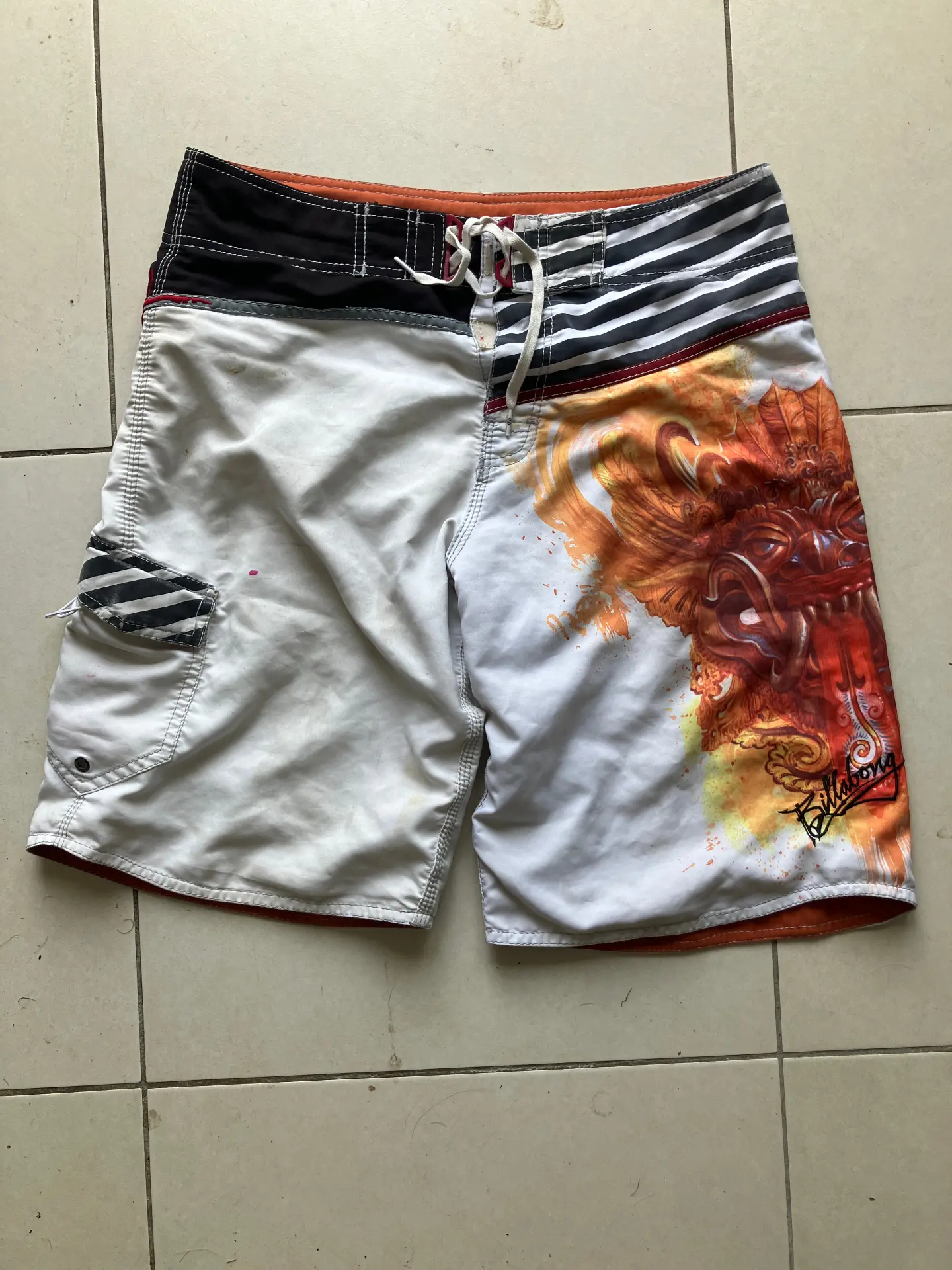
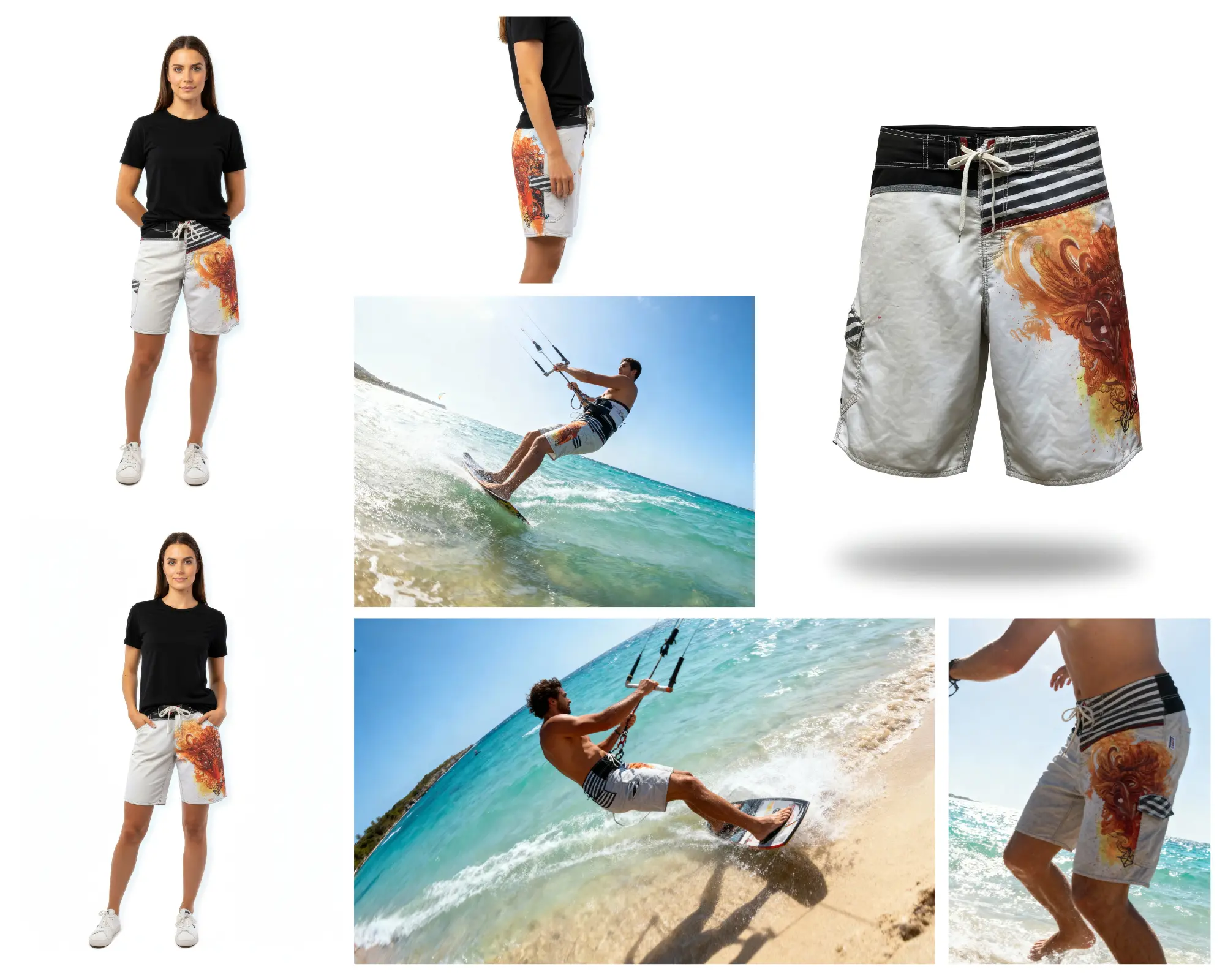
Free ghost mannequin AI tools are everywhere. Upload a photo, get a hollow garment image—sounds simple. But for fashion e-commerce, quality issues can cost sales: smudged logos, invented buttons, or gray backgrounds that fail marketplace checks. In this guide, we define what "quality" means for ghost mannequin outputs and share benchmark results so you can choose the right tool.
What to Look For (Quality Checklist)
Use this checklist when evaluating any ghost mannequin AI—free or paid:
- Label fidelity: Logos, care labels, and text must stay exactly as in the source. No smudging, blurring, or hallucination.
- Seams & stitching accuracy: Stitch lines, hems, and construction details should remain sharp and true.
- Buttons, zippers, closures: No invented details. Real hardware only.
- White background purity: Output should be true #FFFFFF with no gray tints or gradients.
- Clean edges and halo: No soft halos, color fringing, or ragged cutouts around the garment.
- Consistency across angles: Multiple products in a catalog should share similar lighting and framing.
- Fabric texture preservation: Knit weave, cotton grain, and material structure should remain visible.
- Shadows and clipping artifacts: Avoid harsh shadows or visible clipping from the original mannequin.
- Neckline/armhole interior realism: The hollow interior should look natural, not painted or artificial.
Benchmark Methodology
We used a simple 0–5 scoring rubric per category. Test inputs included typical product photos: mannequin shots, flat lays, and hanger photos from real fashion brands. Each tool was run with default settings. Results vary by source photo quality, garment complexity, and tool settings—treat this as a general guide, not a definitive ranking.
Disclaimer: Results depend on photo quality, garment type, and tool configuration. Your mileage may vary.
Quality Test Results
| Category | Free AI tools (typical) | Paid / specialized (typical) | How to test fast |
|---|---|---|---|
| Labels & logos | 2–3/5: Often blurred or inpainted | 4–5/5: Preserved exactly | Zoom in on care label area |
| Seams & stitching | 2–4/5: Can soften or miss detail | 4–5/5: Sharp and accurate | Check hem and collar edges |
| Buttons & zippers | 1–3/5: Risk of hallucination | 4–5/5: Real hardware only | Compare button count and placement |
| White background | 2–4/5: Often gray or tinted | 5/5: Pure #FFFFFF | Use color picker on background |
| Consistency | 2–3/5: Varies by run | 4–5/5: Catalog-ready | Process 5–10 items, compare |
| Fabric texture | 2–4/5: Can be smoothed out | 4–5/5: Preserved | Inspect knit or weave pattern |
| Edges & halo | 2–3/5: Soft halos common | 4–5/5: Clean cutouts | View at 100% zoom |
| Interior realism | 2–4/5: Can look artificial | 4–5/5: Natural hollow effect | Check neckline and armholes |
Practical Tips to Improve Results
Shooting the source photo
Good inputs = better outputs. Use even lighting, center the garment, and avoid motion blur. A neutral or white background helps. Flat lays, mannequin shots, and hanger photos all work—pick the angle that best shows the product.
When to use background removal first
If your photo has a busy background, some workflows benefit from a background removal step before ghost mannequin. This can reduce halo and edge issues. Test both approaches.
Common failure cases
Watch for: logo smudging, invented buttons, gray backgrounds, soft edges, and overly smooth fabric. If a result looks off, don't use it—retake the source photo or try a different tool.
When "Free" Is Enough vs When You Should Pay
Free works for: Quick marketplace listings, one-off items, testing a new brand, or low-volume sellers. If you need 1–5 images per week and can tolerate some quality variance, free ghost mannequin AI may suffice.
Paid makes sense for: Catalog consistency, brand standards, bulk processing (50+ SKUs), and strict marketplace compliance. When every image represents your brand and you're scaling, specialized fashion AI saves time and maintains quality.
Try Our Free Ghost Mannequin AI
Want to test quality yourself? Our free ghost mannequin tool preserves labels, logos, and stitching—built for fashion e-commerce. No credit card required.
Try free ghost mannequin AI
Upload one product photo and get a marketplace-ready ghost mannequin image in seconds.
View pricing for bulk and full suite. Or jump to the full ghost mannequin tool if you're ready to process.
FAQ
Is free ghost mannequin AI really usable for Shopify?
Yes. Free tools can produce usable ghost mannequin images for Shopify, especially for quick listings or one-off items. However, for catalog consistency, brand standards, and high volume, paid or specialized tools typically offer better label fidelity, white background purity, and batch processing.
Will free tools preserve labels and logos?
It varies. Many free ghost mannequin AI tools struggle with fine details like care labels, brand logos, and text. Specialized fashion-focused AI is trained to preserve these elements. Always test with your actual product photos before committing to a workflow.
What photos work best?
Clear, well-lit photos with centered garments work best. Mannequin shots, flat lays, and hanger photos all work. Avoid motion blur, extreme angles, and cluttered backgrounds. A neutral or white background improves results.
How many outputs do I need (ghost + flatlay + lifestyle)?
For a strong product page, aim for at least: 1 ghost mannequin (main hero), 1 flatlay, and 1–2 lifestyle or on-model shots. Marketplaces often require multiple angles. A full suite (ghost, flatlay, on-model) from one upload maximizes conversion.
Can I do this in bulk?
Free tools typically limit batch size. Paid plans and specialized fashion AI support bulk processing—upload entire collections and generate full visual suites (ghost, flatlay, on-model) in parallel. Essential for brands with 50+ SKUs.