How Do I Make Zalando-Ready Product Images?
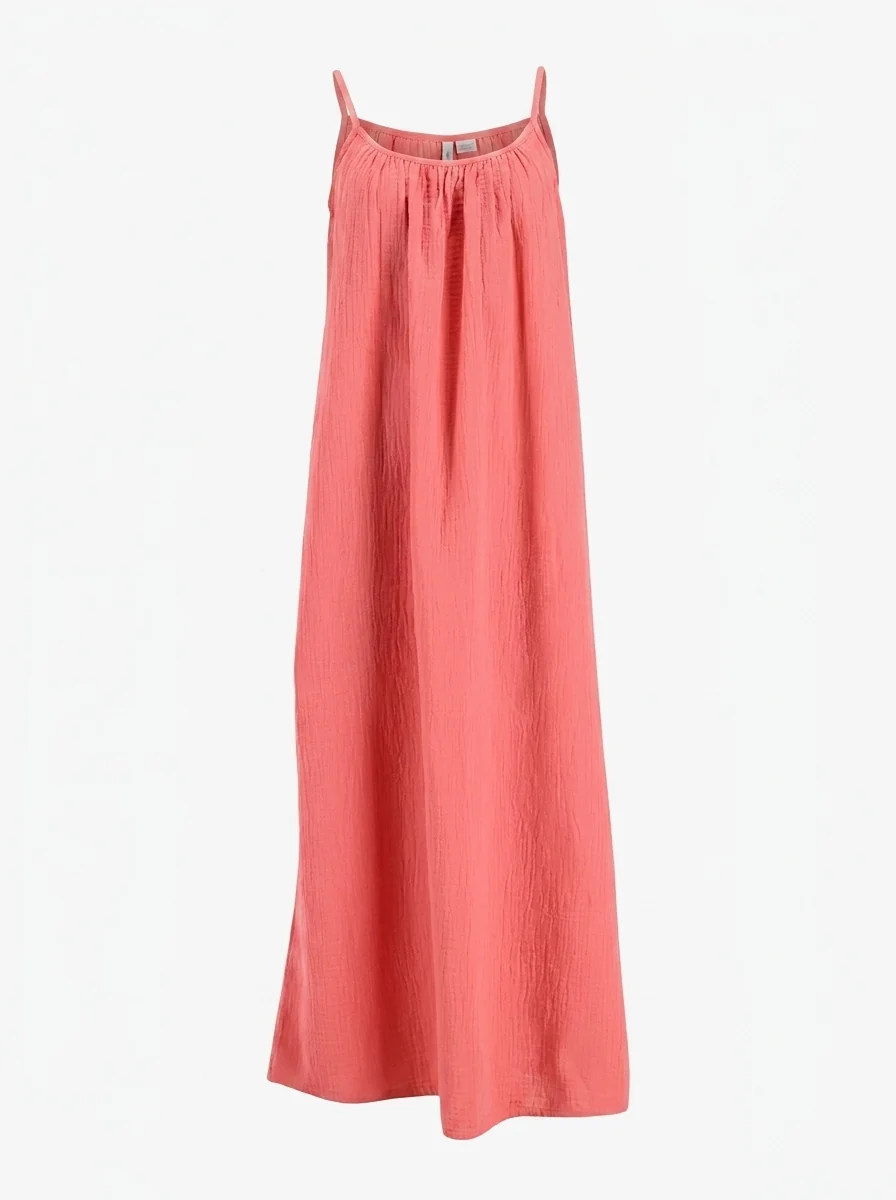
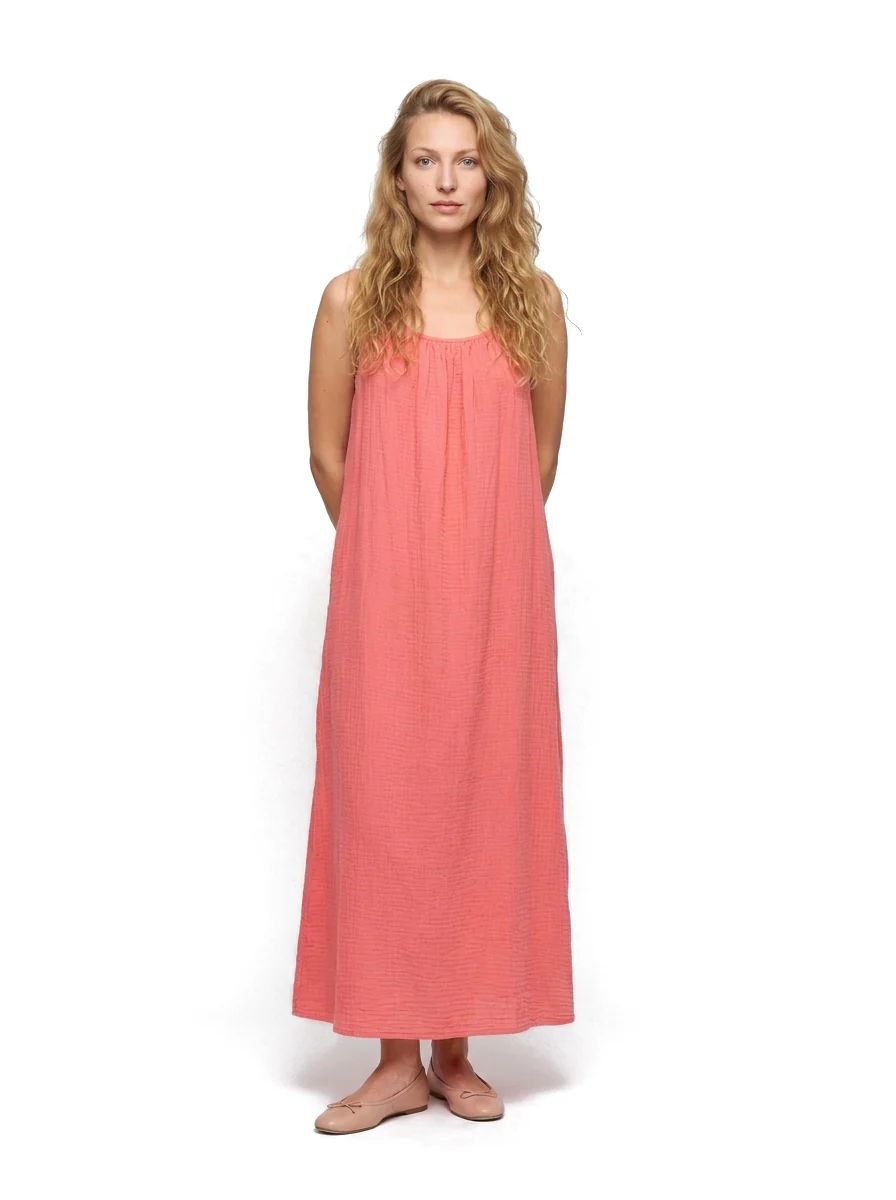
Real Photostudio examples. Generated views illustrate each format; review color, texture and construction against the source before publishing.
Zalando wants upright JPG or JPEG images in a 1:1.44 aspect ratio, sRGB colour, at least 762 x 1100 pixels (1800 x 2600 for designer brands), under 20 MB and sharp. It also requires a catalogue view, which is a clean packshot or a front crop on a model. If you use AI images, they must look believable and carry no visible labels or watermarks.
Source: Zalando image guidelines, checked October 19, 2026. Zalando updated them on October 1, 2026. Recheck the page before you upload.
The technical checklist
- Format: JPG or JPEG, portrait, aspect ratio 1:1.44. Zalando rounds the ratio, so 1.445 counts as 1.45 and fails.
- Size: minimum 762 x 1100 px. Best practice is about 1800 x 2600 px, and designer brands need at least 1800 x 2600.
- Colour and weight: sRGB, maximum 20 MB per file.
- Sharpness: a correctly sized but blurry image is rejected.
- Required views: every article needs a catalogue view. Some categories need a second compliant view.
- Backgrounds: plain, lifestyle or ambient settings are accepted. Zalando applies a light grey background to white-background primary packshots.
Rules for AI-generated images
- Zalando can reject AI images that break believability or misrepresent the product.
- Named distortions: wrong textures or patterns, inconsistent details across the set, distorted text or logos, mispositioned buttons, implausible lighting or proportions.
- No visible on-image labels such as text overlays (other than measurements) or watermarks.
- Zalando requires identifying data in the file metadata or an invisible watermark, with a December 2026 date. Check the exact wording on the guideline page.
Practical tip: review every generated image against the garment itself, especially labels, buttons, seams and prints, before you upload.
Making the images with Photostudio
Photostudio generates ghost mannequin, flat lay and on-model images from one garment photo. Upload one clear photo, generate the set, then check each output against the checklist above before you send it to Zalando. See the free ghost mannequin tool or pricing.
Try Photostudio on one garment
Upload one garment photo and see the generated set. The free plan includes 3 images a month.
Try Photostudio