
How Do I Process a Whole Fashion Catalog in Batch?
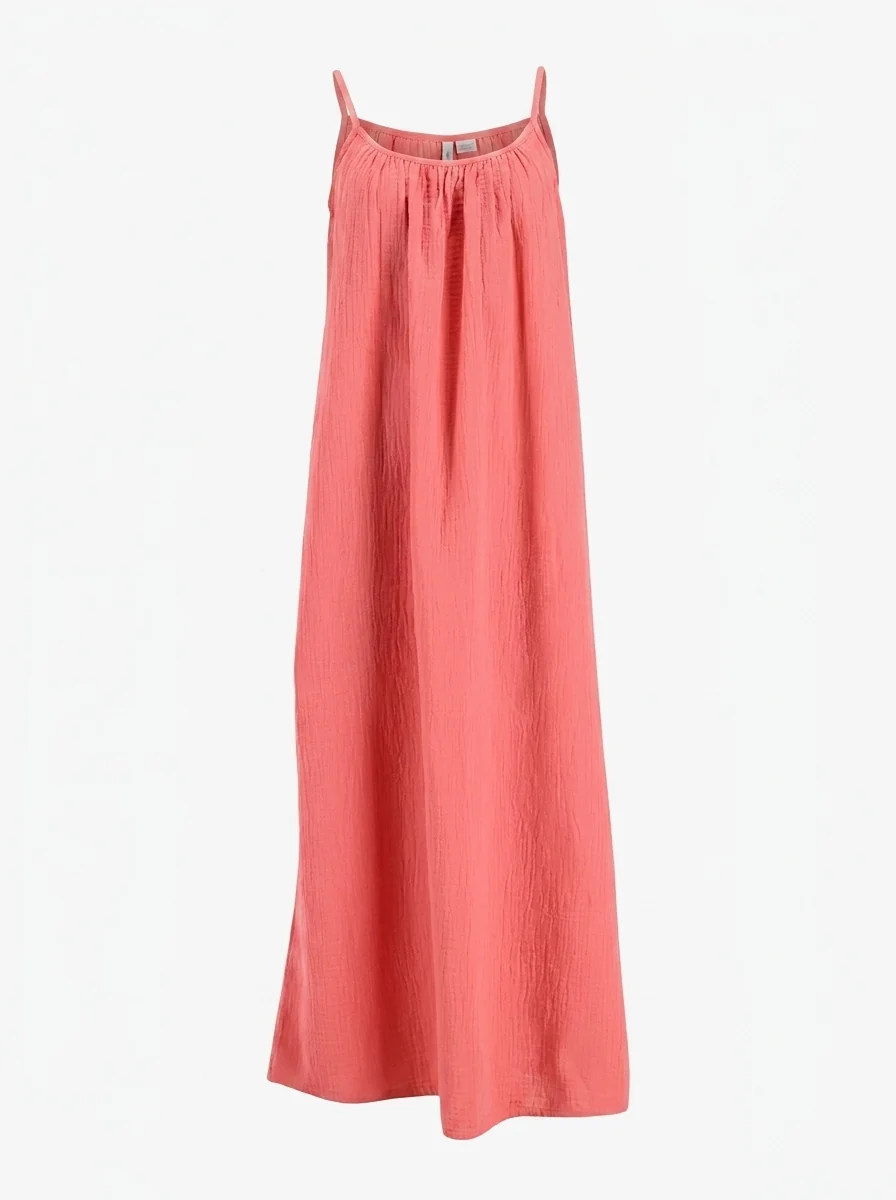
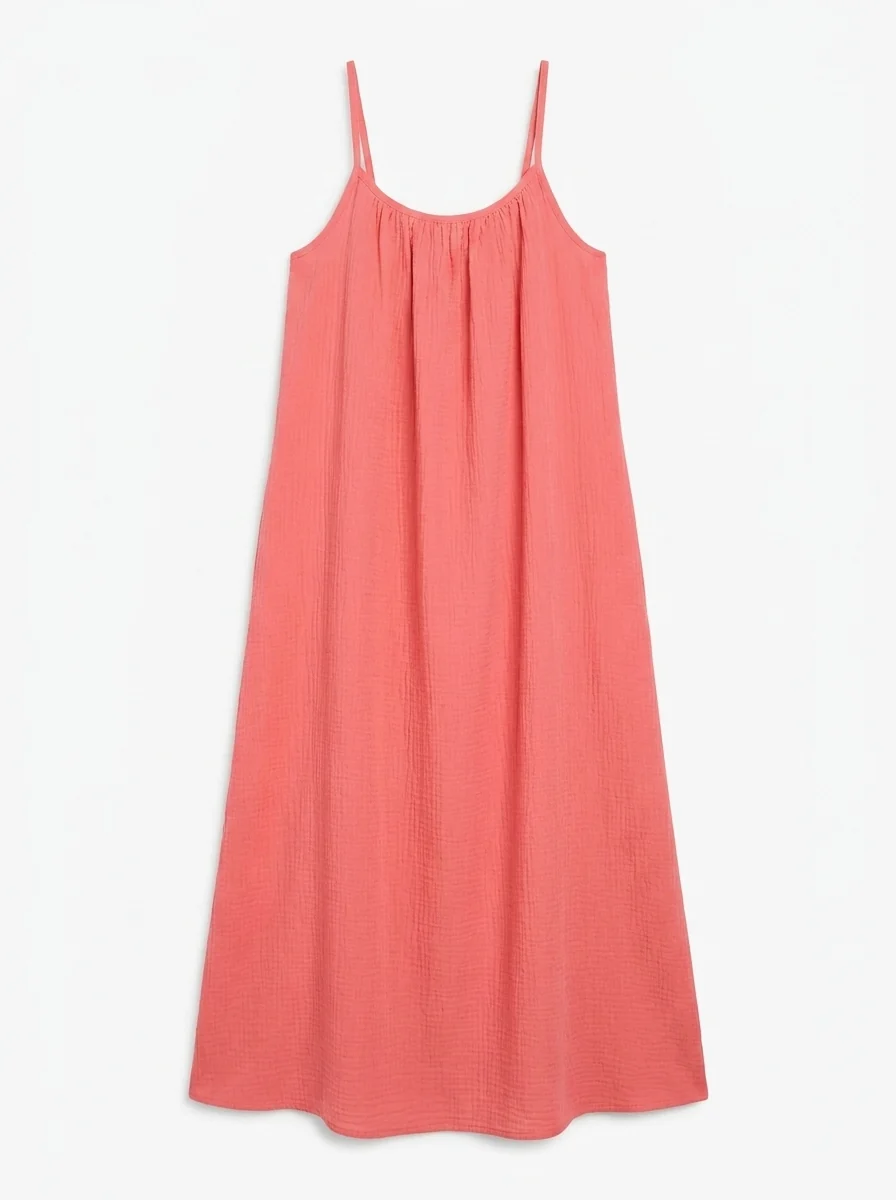
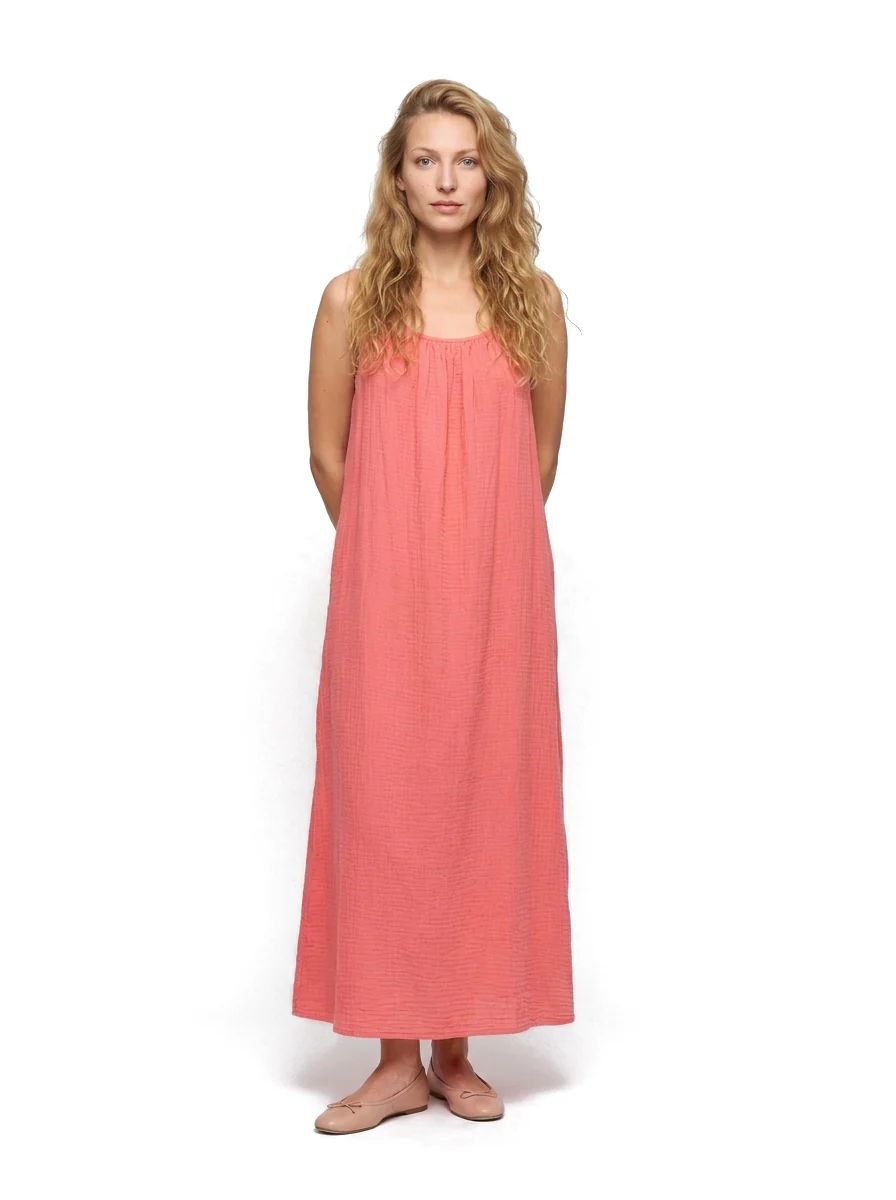
Real Photostudio examples. Generated views illustrate each format; review color, texture and construction against the source before publishing.
Use Photostudio's Batch upload or its Shopify connection. Upload a folder of garment photos or import your Shopify products, generate ghost mannequin, on-model or lifestyle images for every SKU, check them in one review grid per collection, then export to your shop, a ZIP file or your DAM. An API is available if you want to run it inside your own pipeline.
The four steps
- Connect: link your Shopify store, upload a batch, or call the API.
- Generate: choose the output types you need, such as ghost mannequin, on-model or lifestyle.
- Review: approve outputs in one grid, per collection.
- Export: back to your shop, as a ZIP download, or into your DAM.
Source: photostudio.io/integrations, checked October 19, 2026.
Where each workflow stands
- Shopify: live.
- Batch upload: live. Built for collection launches, one review grid, one export.
- API: available. POST an image, poll the job, receive outputs.
- WooCommerce: in development.
- Odoo: pilot.
What it costs at catalog size
One processed image costs 2 credits. One ghost mannequin image for each of 300 SKUs is 300 images. On the one-time pack prices, a 250-image pack ($75) plus a 50-image pack ($19) covers it for $94. See pricing for subscriptions.
Tips for consistent results
- Shoot or collect source photos the same way for the whole collection: same angle, same light, garment steamed.
- Start with one hard product. If it looks credible, run the rest.
- Review the grid for labels, prints and seams before export.
Try Photostudio on one garment
Upload one garment photo and see the generated set. The free plan includes 3 images a month.
Try Photostudio