
AI Generated Product Photography: Ultimate Guide
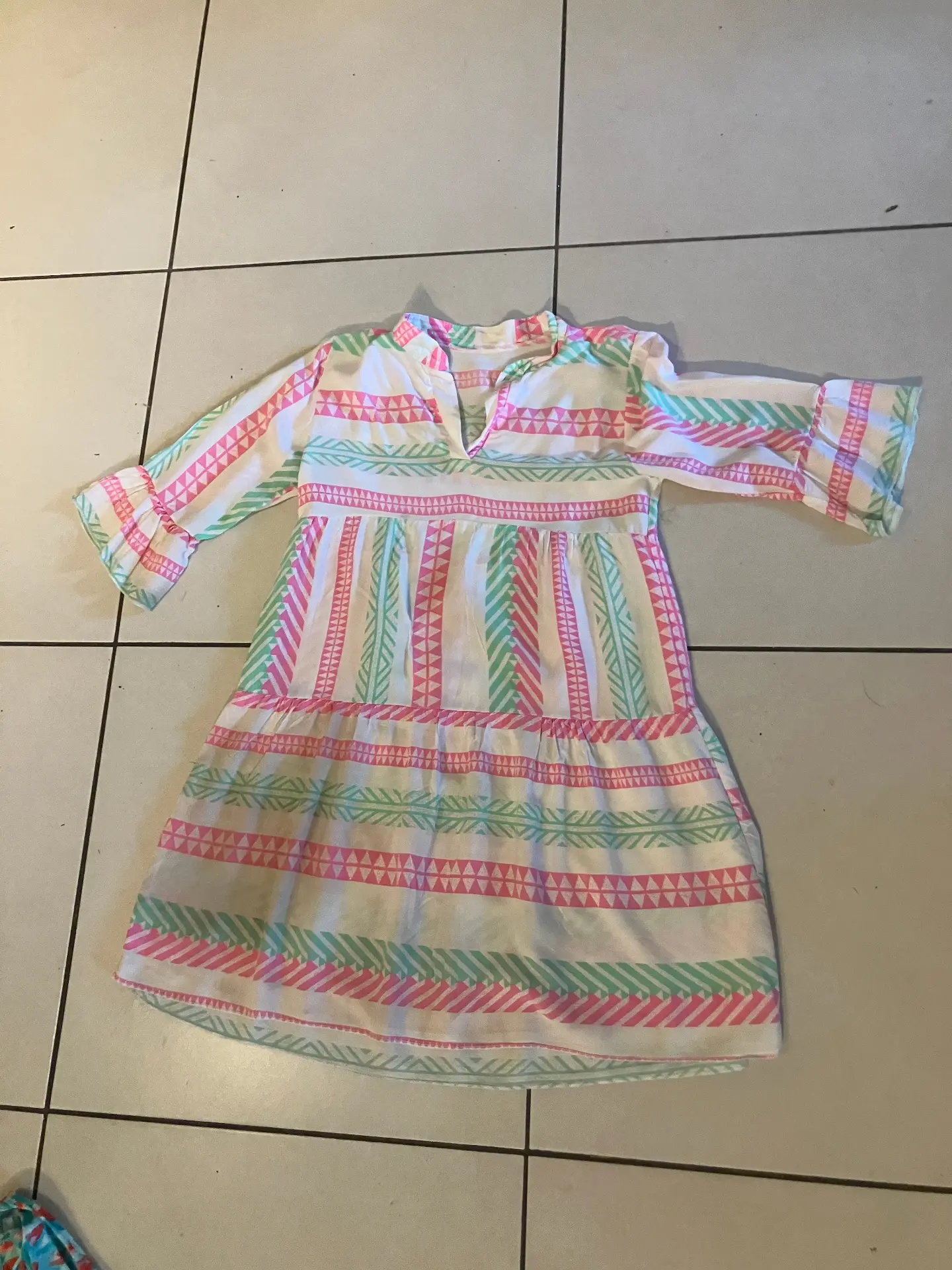
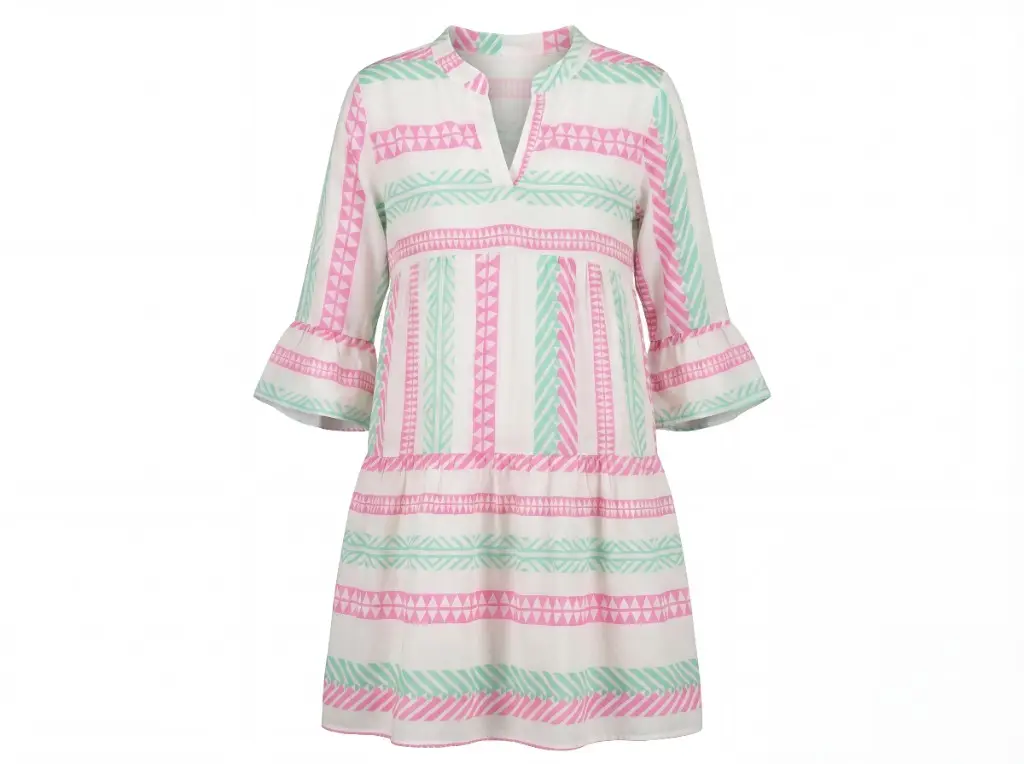
AI generated product photography is reshaping how e-commerce brands create product imagery. Instead of booking studios, shipping products, and waiting days for deliverables, brands upload a single product photo and receive ghost mannequin, flatlay, on-model, and lifestyle outputs in minutes. This guide covers what it is, how it works, how to choose a tool, and when it makes sense versus traditional photography.
What is AI Generated Product Photography?
AI generated product photography uses machine learning models trained on millions of product and fashion images. You provide one input—a product photo taken on a mannequin, hanger, or flat surface—and the AI produces multiple professional outputs. Typical outputs include ghost mannequin (hollow-man effect for PDPs), flatlay (overhead styled shots), on-model (apparel on virtual models), and lifestyle (product in styled scenes).
The technology has advanced rapidly. Early tools produced obviously artificial results; today's fashion-focused AI preserves logos, textures, stitching, and colors with high fidelity. Outputs meet marketplace requirements (Amazon, Zalando, Shopify) and are used for product pages, social media, and paid advertising.
How AI Product Photography Works
The workflow is simple: upload a product image, select desired output types (ghost mannequin, flatlay, on-model, lifestyle), and the AI generates results. Under the hood, models segment the product, understand its structure, and composite it into new contexts—removing the mannequin, placing it on a flat surface, or draping it on a virtual model.
Input quality matters. Clear, well-lit photos with the product centered produce better results. Blurry images, extreme angles, or heavily obscured products can reduce output quality. Most tools accept smartphone photos; professional shots improve consistency further.
AI vs Traditional Product Photography
Traditional studio photography offers full creative control and the highest potential quality. AI offers speed, scale, and cost savings. Here's the comparison:
| Factor | Traditional Studio | AI Generated |
|---|---|---|
| Cost per product | $150–300 | From $0.25/image |
| Turnaround | 3–5 days | 20 minutes |
| Shipping | Required | None |
| Outputs per product | 2–3 typical | 7+ images + video |
| Creative control | Full | Preset + configurable |
| Best for | Hero campaigns, editorial | Catalog scale, PDPs |
Many brands adopt a hybrid approach: AI for catalog coverage and PDPs, traditional for hero campaign imagery where creative direction is paramount.
Top AI Generated Product Photography Tools
Several tools specialize in product and fashion imagery:
- Photostudio: Fashion-focused. Ghost mannequin, flatlay, on-model, lifestyle, and video from one upload. Preserves logos and labels. 3 free images; from $0.25/image. Strong for apparel catalogs.
- Pebblely: Background generation and product placement. Good for lifestyle scenes.
- Flair: AI design tool with product photography features. Flexible scene creation.
- PhotoRoom: Background removal and basic product styling. Broad use cases.
When comparing tools, test with your actual product photos. Check label preservation, fabric texture, and output consistency. Free tiers let you validate quality before committing.
Use Cases for AI Product Photography
AI generated product photography fits several e-commerce workflows:
- Product detail pages (PDPs): Ghost mannequin hero images, flatlay alternates, lifestyle shots.
- Marketplace listings: Amazon, Zalando, ASOS, and others require specific image formats. AI outputs meet these requirements.
- Social media: Flatlays for Instagram grids, lifestyle shots for ads.
- Email and ads: Consistent imagery across campaigns.
- Catalog scale: Process 50–500+ SKUs without studio bottlenecks.
Pros and Cons of AI Product Photography
Pros
- Fast: 20 minutes vs 3–5 days
- Low cost: from $0.25/image vs $150–300/product
- No shipping: upload only
- Multiple outputs from one input
- Consistent styling across catalog
- Scalable to hundreds of SKUs
Cons
- Less creative control than full studio
- Quality varies by tool and input
- Some tools struggle with complex garments or fine details
- Preset styles may not match unique brand aesthetics
How to Choose an AI Product Photography Tool
Evaluate tools on: output quality (especially label and texture preservation), supported output types (ghost, flatlay, on-model, lifestyle), batch processing capability, pricing, and ease of use. Run a pilot with 5–10 products before scaling. Check marketplace compliance if you sell on Amazon, Zalando, or similar.
Tutorial: Create AI Product Photography in 3 Steps
- Capture or upload: Use a clear product photo—mannequin, hanger, or flatlay. Good lighting and centered framing help.
- Select outputs: Choose ghost mannequin, flatlay, on-model, lifestyle, or a combination. Many tools let you pick multiple at once.
- Download and deploy: Review outputs for quality. Download in your required resolution. Upload to your e-commerce platform, marketplace, or ad creative.
FAQ
What is AI generated product photography?
AI generated product photography uses machine learning to create professional product images from a single input. It produces ghost mannequin, flatlay, on-model, and lifestyle shots without a studio, models, or physical photoshoot. Built for e-commerce brands.
Is AI generated product photography good enough for e-commerce?
Yes. 500+ brands use AI product photography for PDPs, marketplaces (Amazon, Zalando, Shopify), and ads. Quality depends on the tool—fashion-focused AI preserves logos, textures, and colors. Always test with your actual products before scaling.
How much does AI product photography cost?
Traditional studio: $150–300 per product. AI tools: from $0.25/image. Photostudio offers 3 free images; pro plans from $4.99/product for 7 images + video. Significant savings at catalog scale.
What are the best AI generated product photography tools?
Top options include Photostudio (fashion-focused, ghost mannequin + flatlay + on-model + lifestyle), Pebblely, Flair, and PhotoRoom. Choose based on output quality, garment preservation, batch processing, and pricing. Test free tiers first.
What products work best with AI product photography?
Apparel (tops, dresses, outerwear, pants), accessories, shoes, bags. Fashion and lifestyle products with clear structure perform best. One product photo can generate multiple output styles.
Can AI product photography replace traditional studio shoots?
For catalog imagery, yes. Many brands use AI for 80%+ of product photos and reserve studios for hero campaign shots. AI handles ghost mannequin, flatlay, on-model, and lifestyle at scale.
Try AI Generated Product Photography
Photostudio generates ghost mannequin, flatlay, on-model, and lifestyle product photography from one upload. Try free—no credit card required.
Try free AI product photography
Upload one product photo. Get ghost mannequin, flatlay, on-model, and lifestyle in 20 minutes.